Contact & account enrichment
Track government and education buyer budgets
Most reps prioritize accounts without knowing what the buyer actually spends. Starbridge gives you line-item budget visibility for every government and education account.
Out-of-box budget data for every government and education account
Prioritizing accounts based on headcount and entity size creates budget blind spots across your territory. Accessing actual spend figures requires manually searching government websites, PDFs, and open records portals. Most reps don't have time for that on a regular cadence.
With Starbridge, you can:
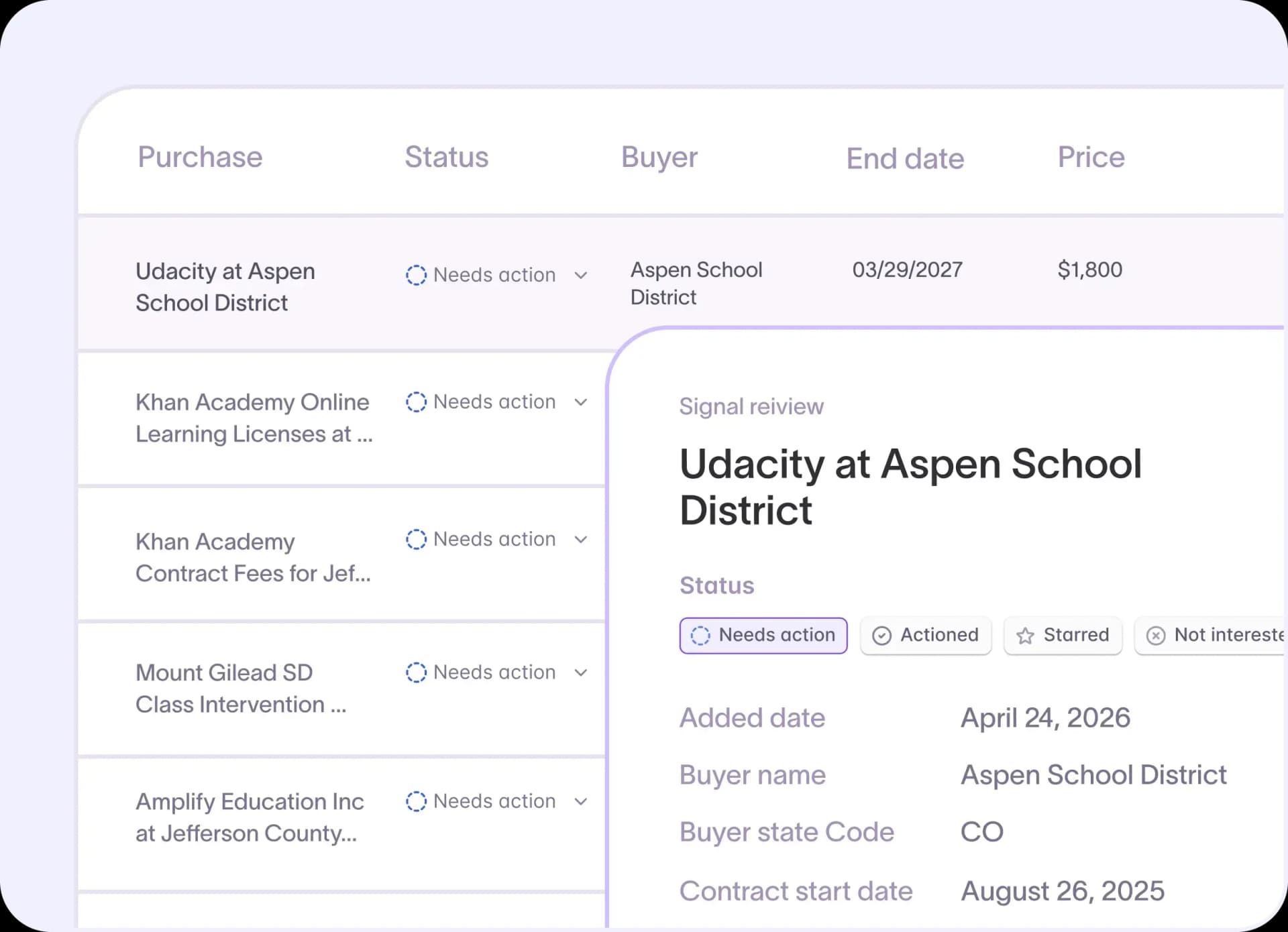
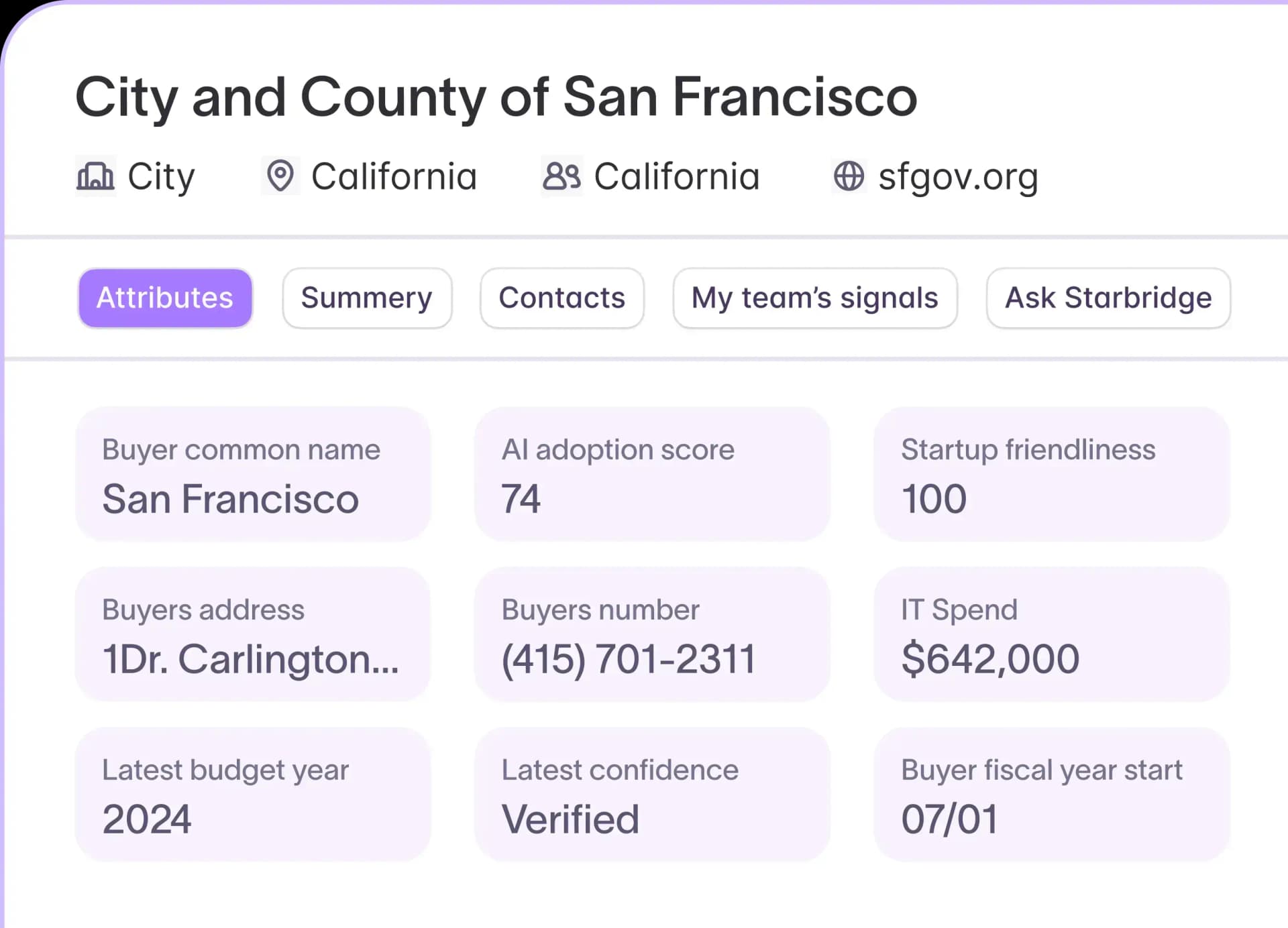
- View a budget URL, subscription-based IT spend amount, and operating expenditures for every entity without manual research
- Identify which accounts have publicly documented budget data before investing time in outreach
- Build account scoring using real financial context instead of firmographic proxies
Every government and education account in Starbridge includes the financial baseline your reps need, enabling effective account prioritization without hours of manual research.
AI-generated line-item budget prompts
A total budget figure doesn't reveal what a buyer spends in your category. A county with a $200M annual budget might allocate $50K to parks and rec, or $5M. The difference determines whether the account belongs in your top tier or on the back burner.
With Starbridge, you can:
- Enter a natural language request into the AI column generator (for example: find the budget for this buyer, how much do they spend on parks and rec)
- Receive a tailored extraction prompt generated automatically for the specific spend category you care about
- Apply that prompt across your territory to identify which accounts have active line items in your category
The AI column generator turns any budget URL into a targeted extraction task, so your account scores reflect what buyers actually spend on services like yours.
Web agent budget extraction
Even when a budget URL is available, state and local government budget documents often span hundreds of pages. Finding a single line item requires manually parsing PDFs and hoping the document structure is consistent enough to allow effective searching.
With Starbridge, you can:
- Run a web agent within the platform to extract the specific spending subset from any buyer's raw budget document
- Retrieve only the line items relevant to your product category, rather than the entire document
- Keep this data up to date as government and education entities publish new budgets each year
The web agent performs the extraction work your reps used to do manually, returning the specific figure that determines whether an account makes the call list this quarter.
Budget-driven account scoring and CRM sync
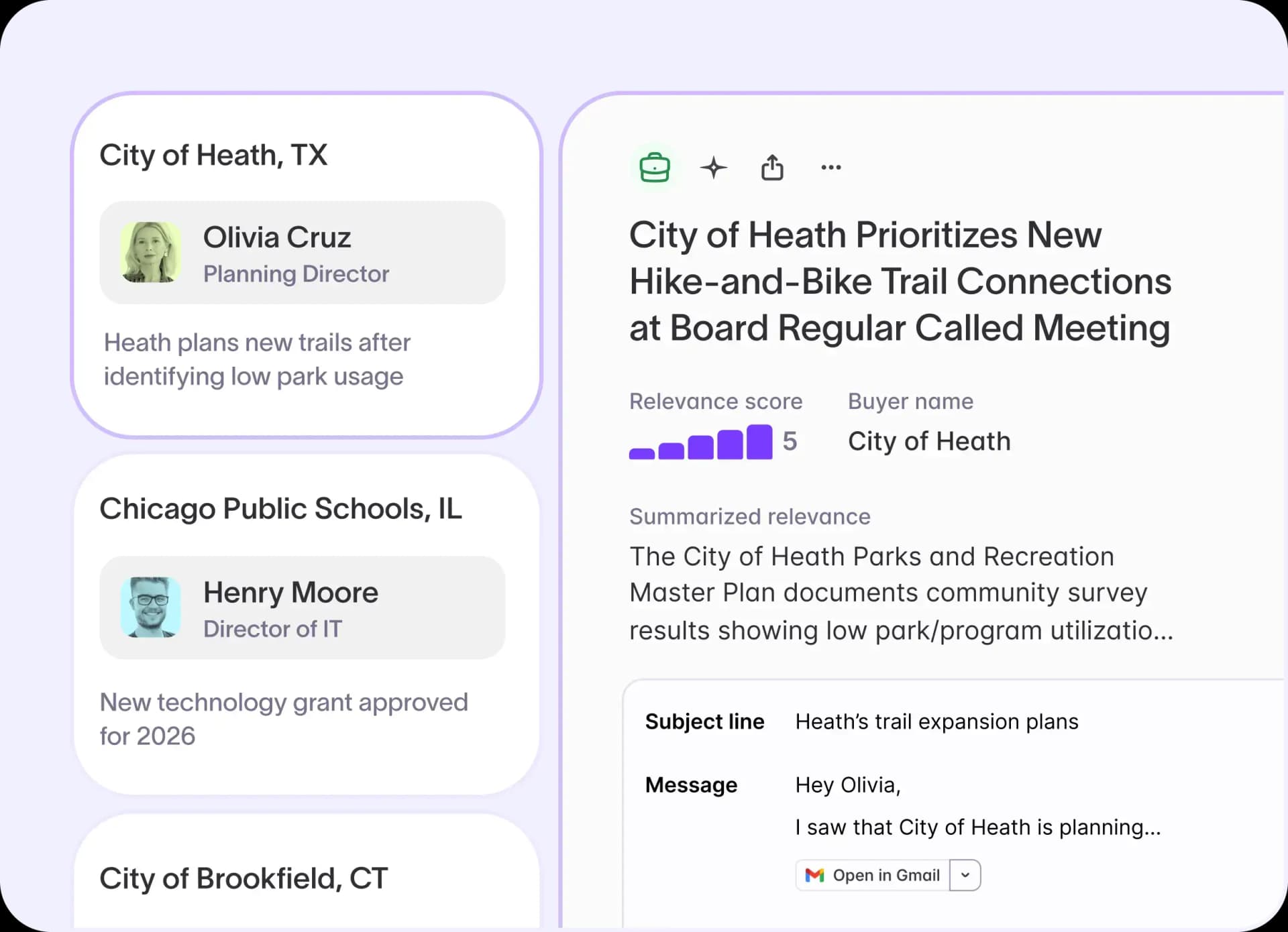
Prioritizing based purely on firmographics means missing what matters most. It tells you an account exists, not whether the buyer is actually spending in your category. Connecting relevant spend data to your scoring model and CRM addresses that gap. This is public spend intelligence applied at the account level. It surfaces what government and education accounts are actually paying, and for what, before your reps pick up the phone.
With Starbridge, you can:
- Score accounts by the budget line item relevant to your product, not just total entity size
- Keep budget data current in your scoring model as entities publish updated budgets
- Sync relevant spend figures to Salesforce or HubSpot so reps work from financial context in the tool they already use
Your reps stop prioritizing blind. Every account in their territory carries the financial context to know whether it belongs on this week's call list.
Ready to see what your buyers are spending? Book a demo to view budget tracking in action.
Frequently asked questions
Customer testimonials
What teams say after switching to Starbridge.