Market & competitors
Discover, research, and win more government and education deals
Stop chasing government and education opportunities through manual research. Starbridge surfaces buying signals so your reps find and win deals first.
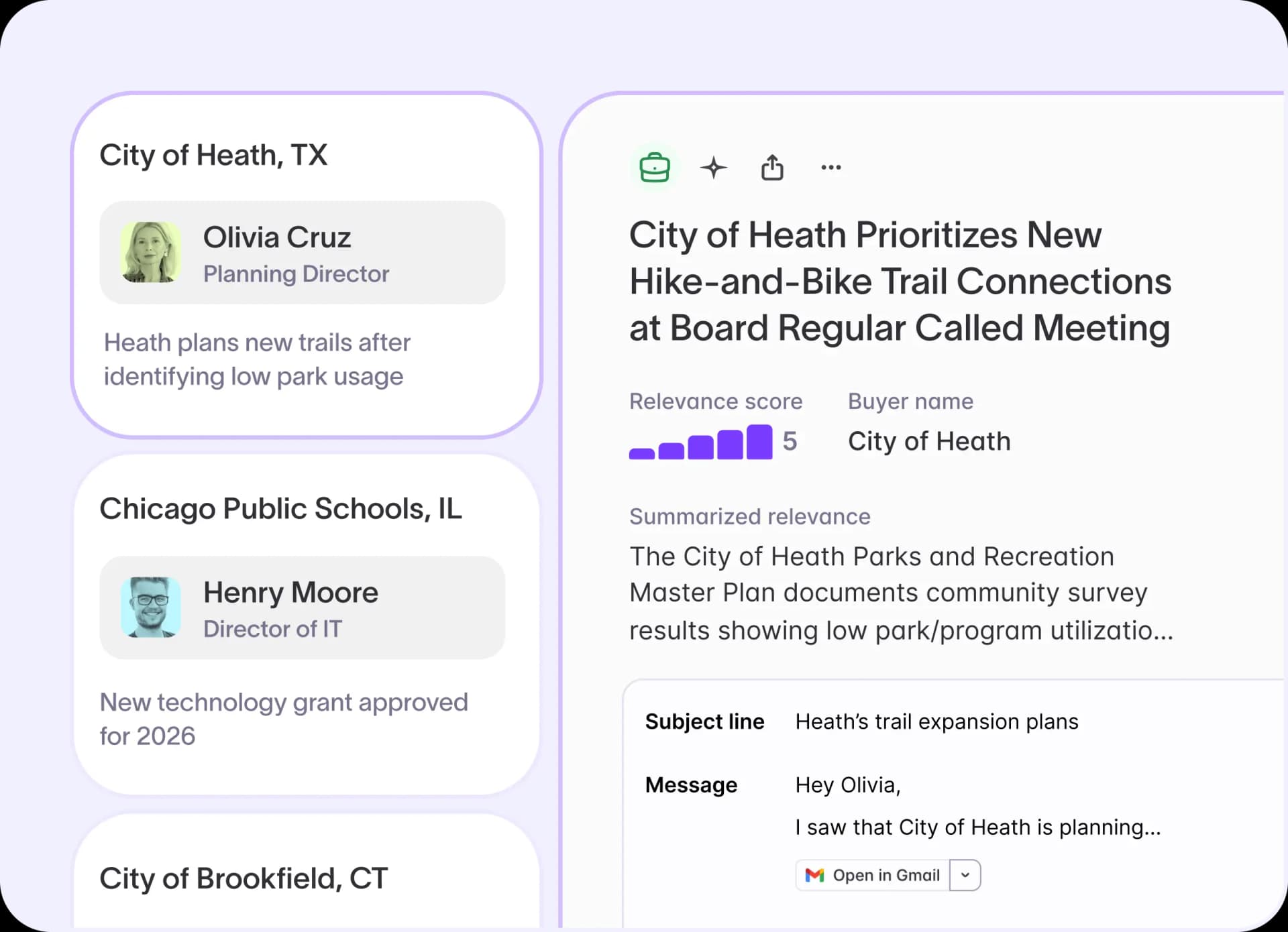
Personalized buying signal feed
Monitoring every relevant state and local government agency, school district, and higher ed institution for buying signals is a full-time job your reps don't have time for. Budget discussions, leadership changes, contract expirations, and RFP filings surface every day across thousands of public sources, and no single rep can track them all.
With Starbridge, you can:
- Start every morning with a prioritized feed of buying signals tailored to your territory, ranked by relevance
- Filter by signal type (RFP, leadership change, contract expiration, board meeting discussion), bridge, status, state, or date to zero in on what matters most right now
- Receive the same buying signals as a daily or weekly email digest, with direct links back to each signal card
GovWell sources 15% of its total qualified pipeline from Starbridge, a consistent, repeatable channel every quarter.
Buying signal review and account context
Surfacing a buying signal is only useful if a rep can quickly decide whether it's worth pursuing. Without the original source and account context, a card in a feed is just noise.
With Starbridge, you can:
- Click into any signal to see its original source: the board meeting document, RFP filing, or livestream recording it came from
- Pull an instant buyer summary for a quick overview of recent account activity and key context before reaching out
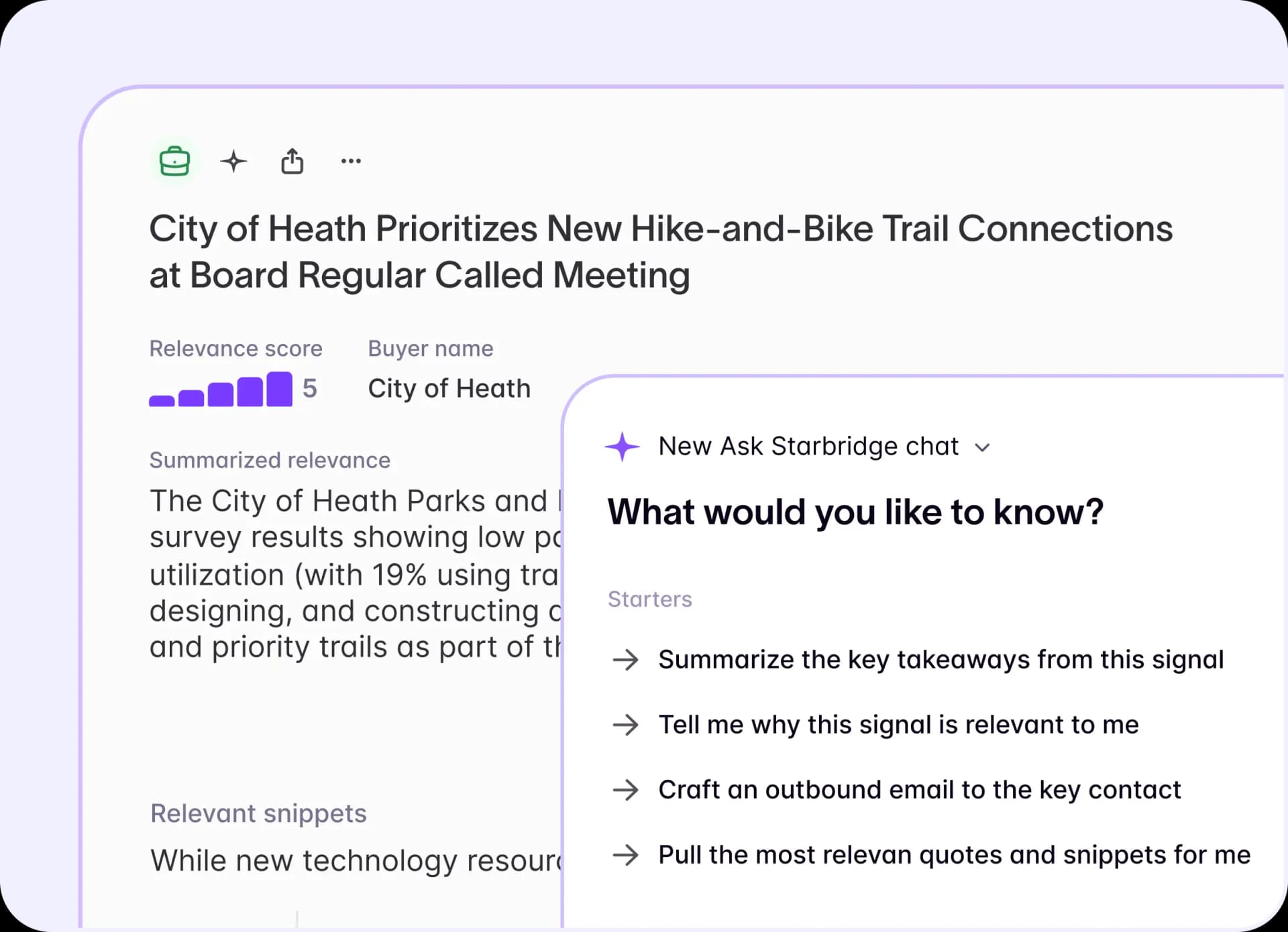
- Ask Starbridge questions like "What should I know before contacting this account?" or "Why is this signal relevant to me?" directly in the signal card
Your team can also enrich buying signals automatically with AI summaries, outreach recommendations, competitive insights, and custom scores, so every rep reaches out with the right message from the start.
Account research in one place
Before reaching out to a state or local government agency, school district, or higher ed institution, reps need to know who to call, what the organization is working on, and whether there's a real opportunity. Pulling that context from multiple sources takes 20 to 30 minutes per account before a single email gets written.
With Starbridge, you can:
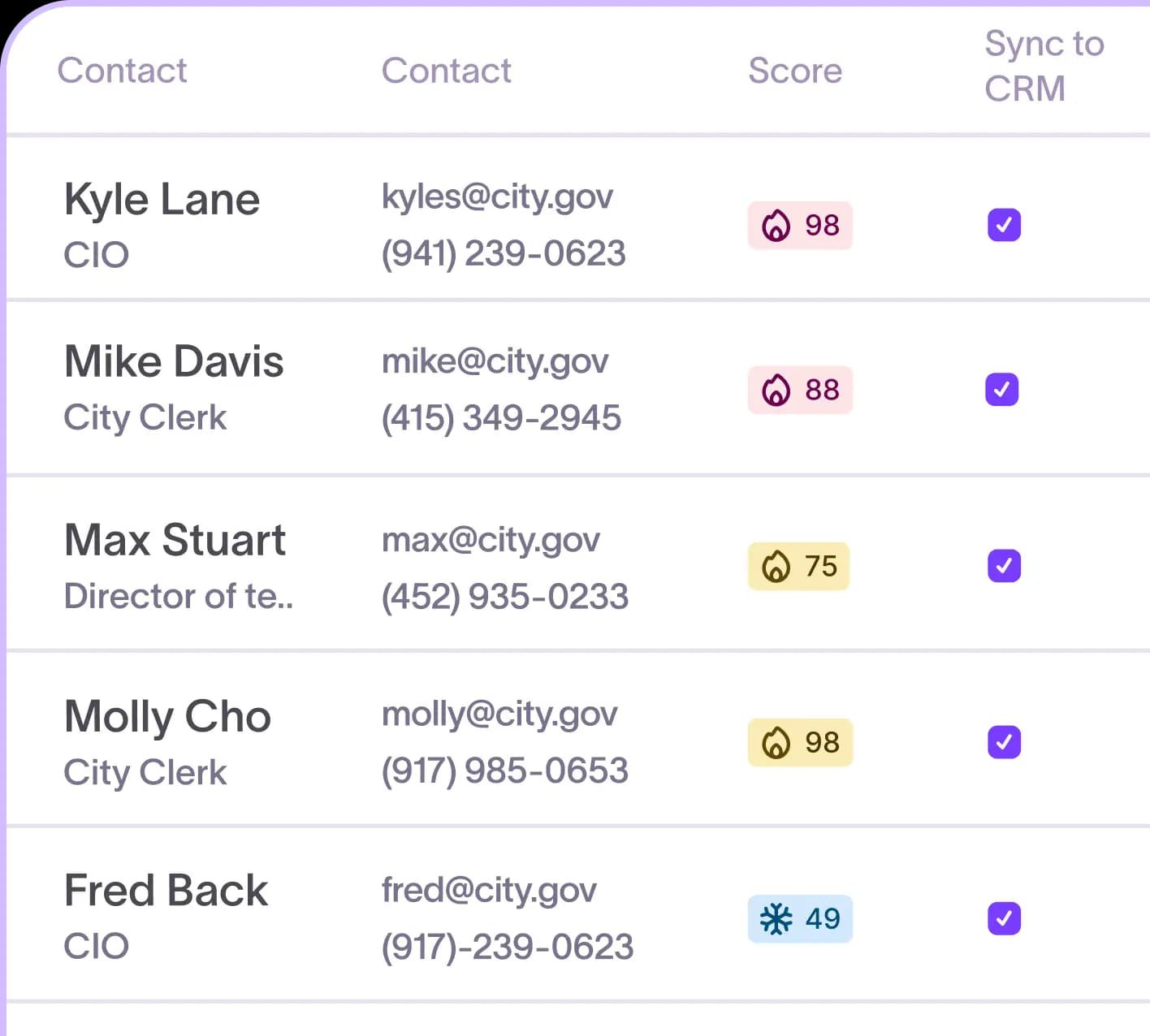
- View every insight on a buyer in one place: summaries, key contacts, org hierarchy, and parent-child organizational relationships
- See all buying signals tied to an account alongside historical context and spend activity
- Qualify accounts and prepare for outreach without opening a second tab
Frontline Education cut account research time by 90%. Reps now walk into meetings already knowing what the buyer cares about.
Natural language research with ask Starbridge
Reps often know which accounts matter but lack the context to reach out with confidence. The right details, such as buyer priorities, past contracts, and procurement history, are scattered across signal cards, documents, and organizational data with no fast way to query them.
With Starbridge, you can:
- Ask natural language questions across buying signals, buyers, contracts, and documents: "What are this buyer's top priorities?" or "What upcoming opportunities should I be tracking?"
- Access Ask Starbridge from the app sidebar, any buyer page, or directly in Slack, without leaving your existing workflow
- Connect Starbridge to AI tools via MCP to analyze buying signals alongside CRM data, meeting notes, and internal documents in Claude and ChatGPT
Zencity sources 50% of its cold meetings from Starbridge. Reps pull city priorities from recent council meetings in seconds and walk into every first call already knowing procurement pathways and past contracts.
Account intelligence inside your existing tools
Reps already work across a dozen tabs: agency websites, LinkedIn profiles, news articles, and CRM records. When Starbridge intelligence lives only inside the platform, it only helps reps who stop to look.
With Starbridge, you can:
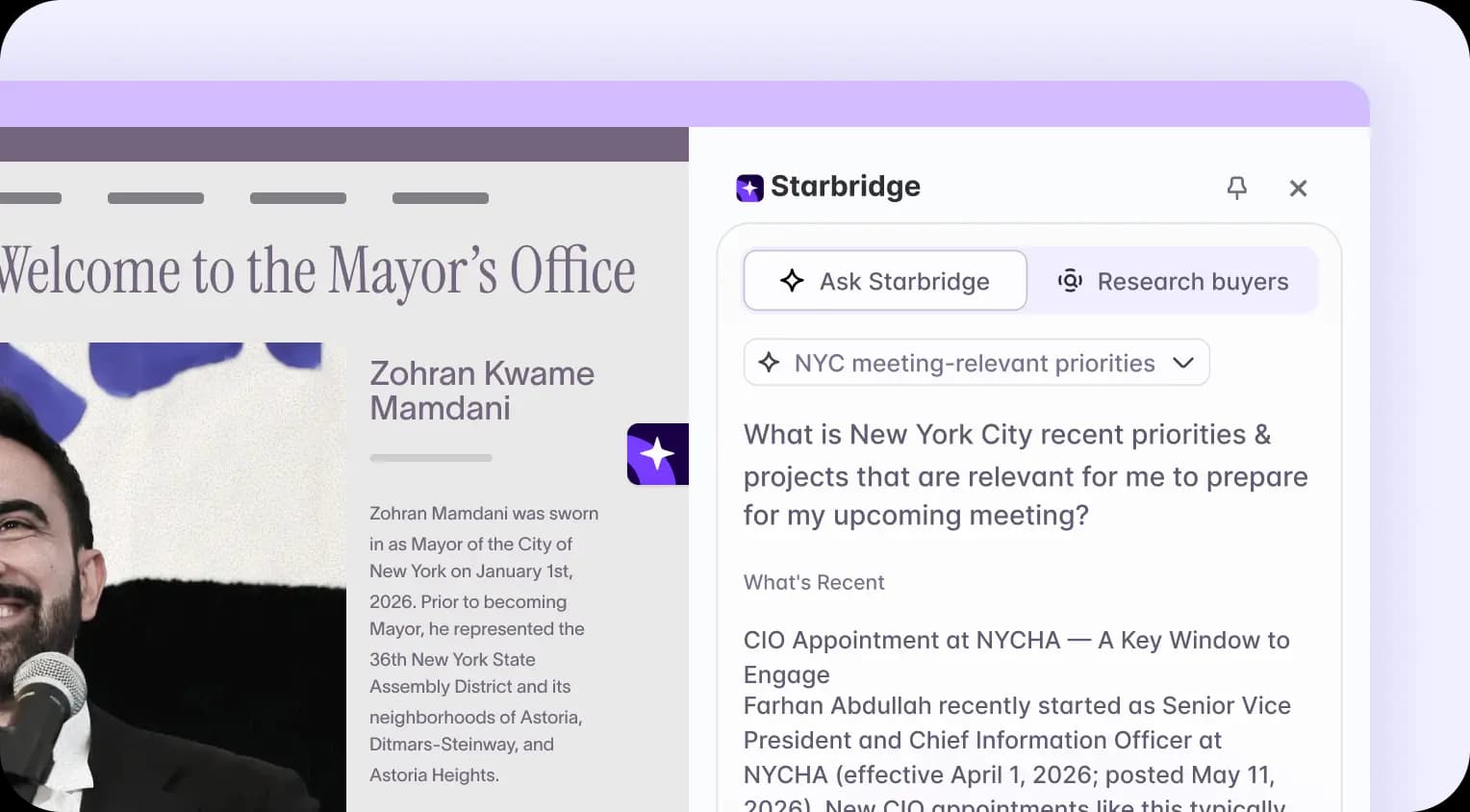
- Surface relevant buying signals automatically when browsing any agency website, government page, or LinkedIn profile with the Starbridge Chrome extension
- Access account context without switching tabs or breaking your research flow
- Ask Starbridge questions directly from the Chrome extension, without opening a new window
Kaizen Labs saw a 10 to 20% lift in monthly quota attainment after routing Starbridge buying signals directly to their Slack channel, turning intelligence into action without switching tools.
Ready to stop chasing and start closing? Book a demo to see how Starbridge helps you discover, research, and win more deals.
Frequently asked questions
Customer testimonials
What teams say after switching to Starbridge.