Buying signals & outbound
Turn job changes into pipeline
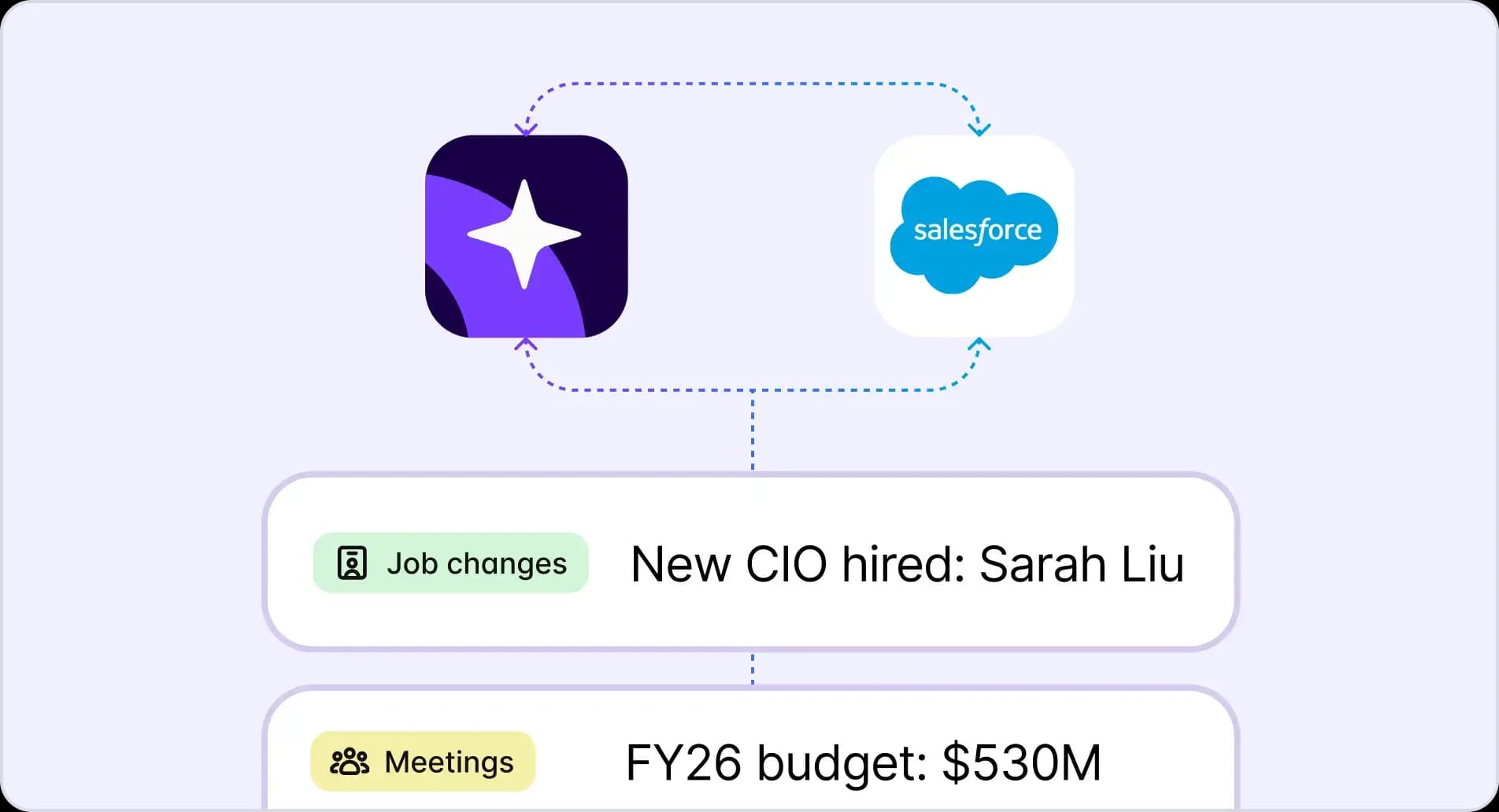
Track job changes across government and education accounts. Reach new decision-makers the moment they start, before your competitors do.
Always-on monitoring for leadership changes
When a new CIO joins a county or a new superintendent takes over a district, that account becomes one of the best opportunities in your territory. The problem is finding out before the window closes. Most teams rely on LinkedIn alerts or an occasional Google search and arrive too late.
Job Changes is a Bridge, Starbridge's configurable AI workflow that monitors leadership changes across state and local governments, K-12 school districts, and higher ed institutions in real time. Set it up once and it runs continuously.
With Starbridge, you can:
- Filter by specific titles – CIO, superintendent, IT director, curriculum director – to track only the roles relevant to your sale
- Define your target geography, down to every county and city in the US, or narrow to specific regions
- Set a recency window (last 30, 60, or 90 days) so alerts match your outreach cadence
New hires appear in your Bridges feed the moment Starbridge identifies the change, not weeks later when the news reaches LinkedIn.
Verified contact data for every new leader
Finding out someone changed roles is only half the battle. Without a verified email and context on why they were hired, most reps spend hours researching before they can send a single message.
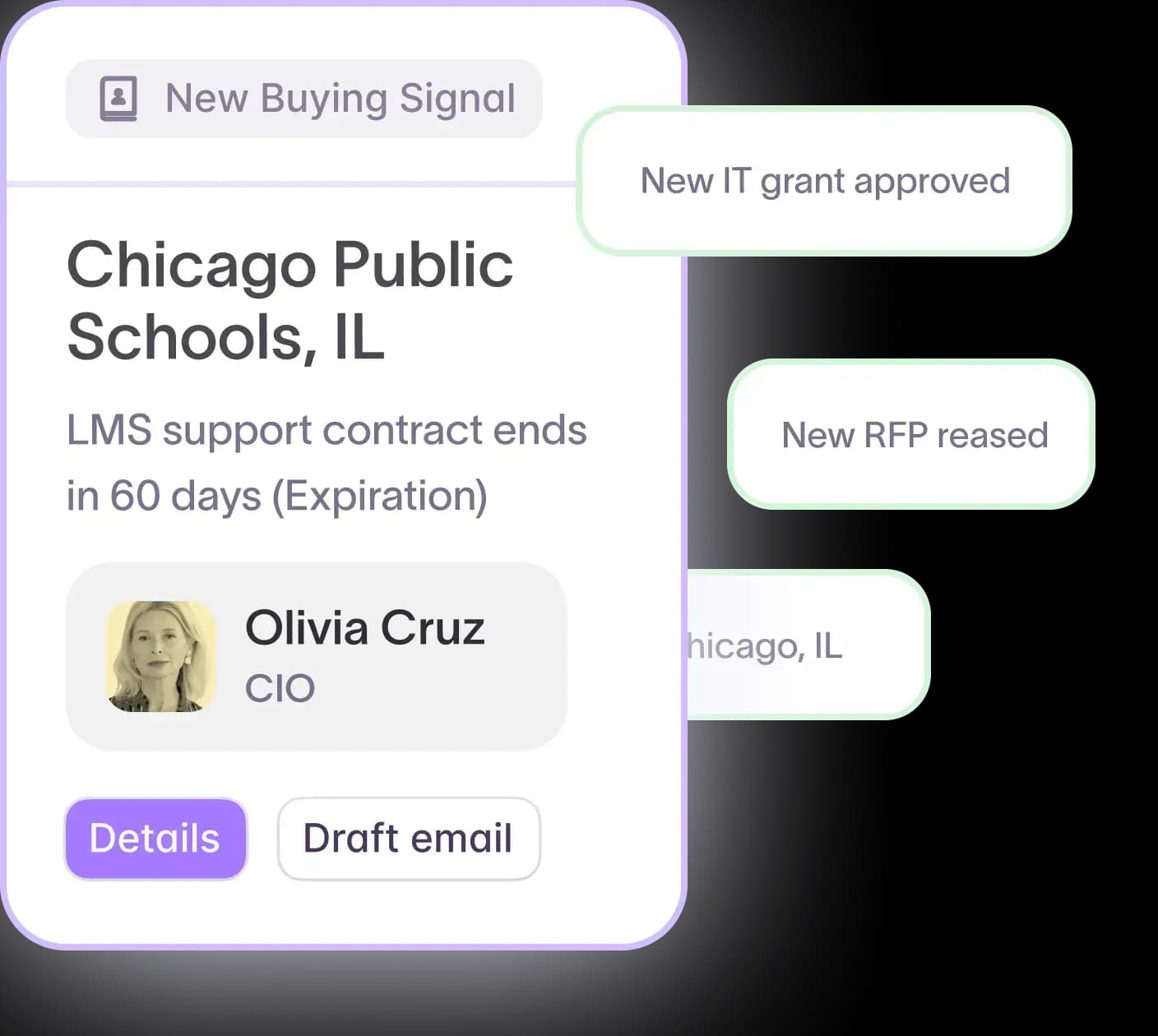
Every job change alert in Starbridge is enriched. Starbridge surfaces verified contact data, the appointment date, and an AI-generated summary of the transition, including who was replaced and what the new hire is expected to focus on.
With Starbridge, you can:
- Access enriched, verified contact information for each new leader, ready for immediate outreach
- Read an AI-generated context summary for each appointment so you understand the situation before reaching out
- Review prior role history and appointment timing to start the conversation with relevant context
Starbridge contact data achieves a 98% email accuracy rate. Motimatic tripled its average contract value by tracking job changes with Starbridge, reaching new decision-makers before competitors knew a change had happened.
In-app signal triage for your reps
Most tools surface a job change and leave the rest to you. Reps end up copying records to a spreadsheet, manually deciding who to prioritize, then switching to another tool to send the email.
Starbridge keeps the entire workflow in one place. When a job change alert lands, your account executives can act on it directly within the platform.
With Starbridge, you can:
- Mark each job change as Action to flag for immediate outreach, Starred to revisit later, or Not Interested to clear the queue
- Keep context and triage in the same tool without switching between platforms
- Build and manage a prioritized list of leadership changes without losing track of who to contact next
When reps can act on a job change buying signal in the same place they found it, outreach happens faster and fewer opportunities fall through.
CRM sync to close the loop
A job change that lives only in Starbridge won't trigger your sequences, route to the right rep, or show up in your CRM reports. Leadership changes need to live where your team actually works.
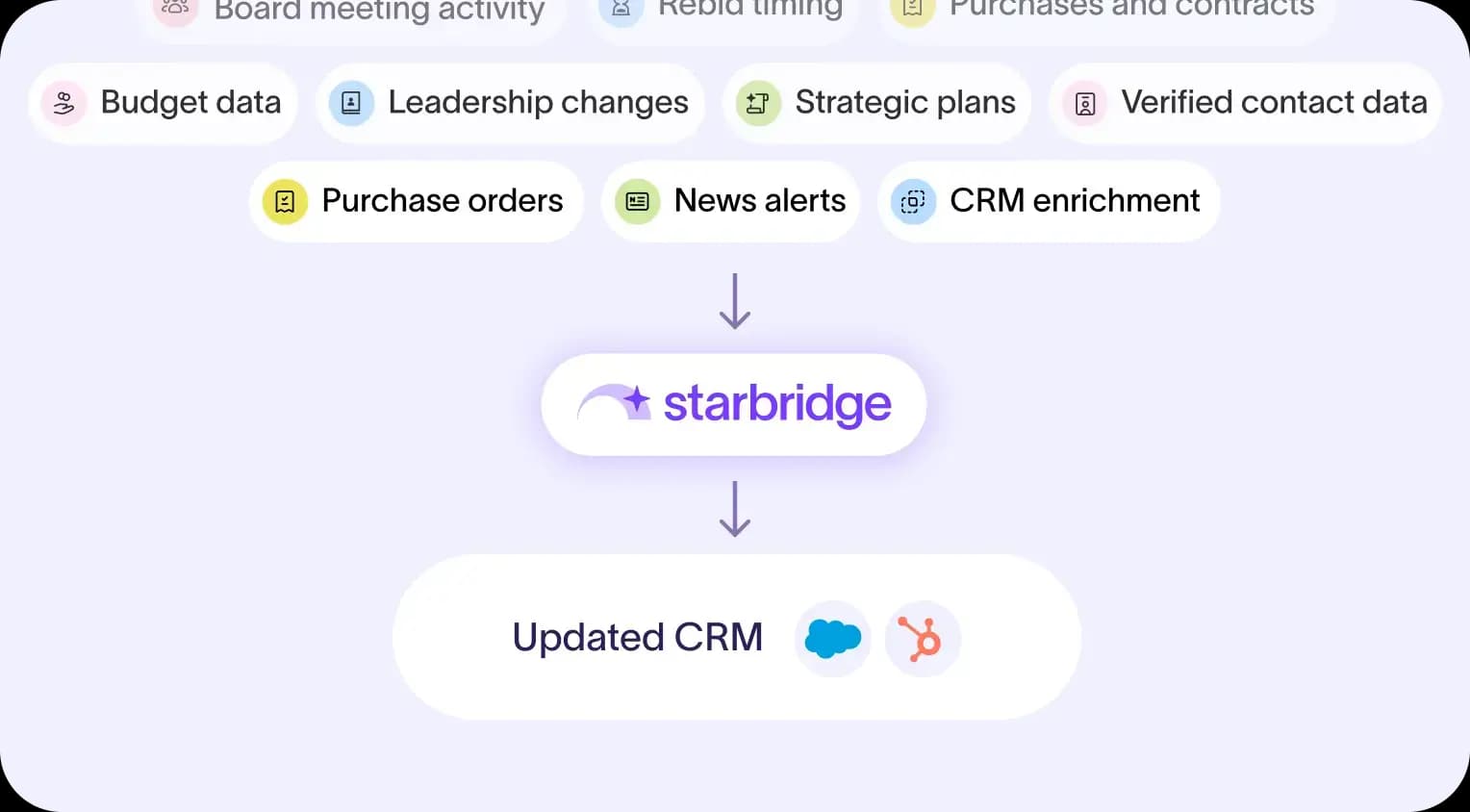
Starbridge automatically syncs all job change data to your CRM. Every new leader, appointment date, and contact record becomes part of your source of truth, ready to trigger sequences and update account records without manual export.
With Starbridge, you can:
- Push job change records to Salesforce or HubSpot as they arrive, without manual data entry
- Trigger automated sequences when a new decision-maker is identified at a target account
- Keep your CRM up to date on leadership changes across thousands of government and education accounts at once
Connecting Starbridge to your CRM takes minutes and works with both Salesforce and HubSpot.
Ready to reach new decision-makers before your competitors? Book a demo to see job change tracking in action.
Frequently asked questions
Customer testimonials
What teams say after switching to Starbridge.