Buying signals & outbound
Introducing Starbridge for sales reps
Starbridge for sales reps is a new Starbridge feature that delivers warm public-sector buying signals directly into a sales rep’s workflow.
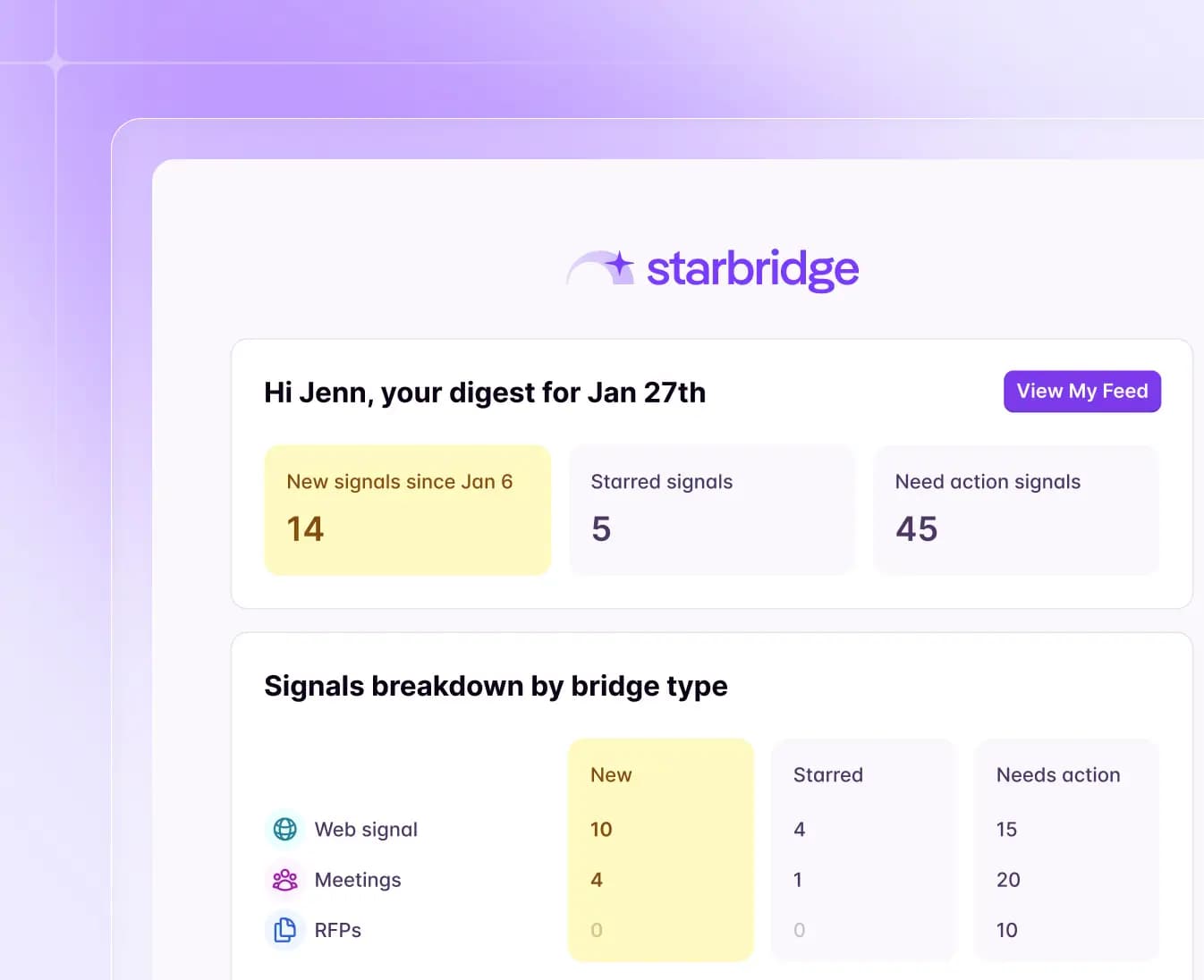
Email digests and your personalized home feed
Actionable signals now arrive directly in your sales rep’s inbox every morning.
Starting today, you can:
- Get personalized signal alerts delivered to your email each morning.
- Click into any signal to see context, contacts, email templates, and lead scores.
- Easily mark signals as actioned, star for later, or dismissed as not relevant.
Starbridge digs through the noise, so your sales rep stays focused on the highest-intent leads.
Ask Starbridge
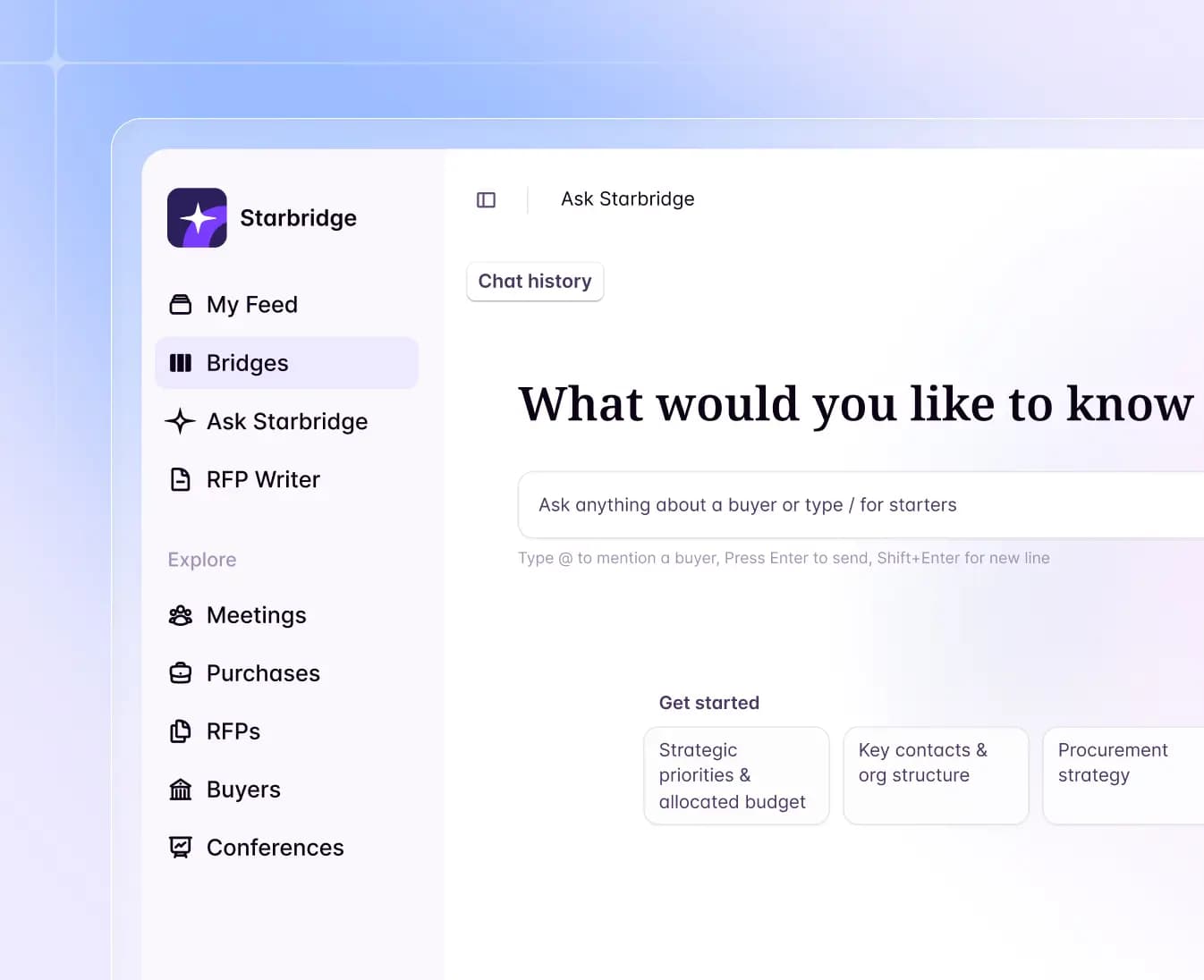
After booking a meeting, reps need quick context for call prep without jumping between multiple tools. Ask Starbridge is available in Slack to answer account questions instantly.
Starting today, you can:
- Ask questions about any account directly from your sidebar or Slack
- Get instant answers using verified Starbridge data
- Pull up critical context while prepping for or during calls with prospects
Ask Starbridge grabs the context you need — you just ask and get informed.
Buyer profiles and CRM sync
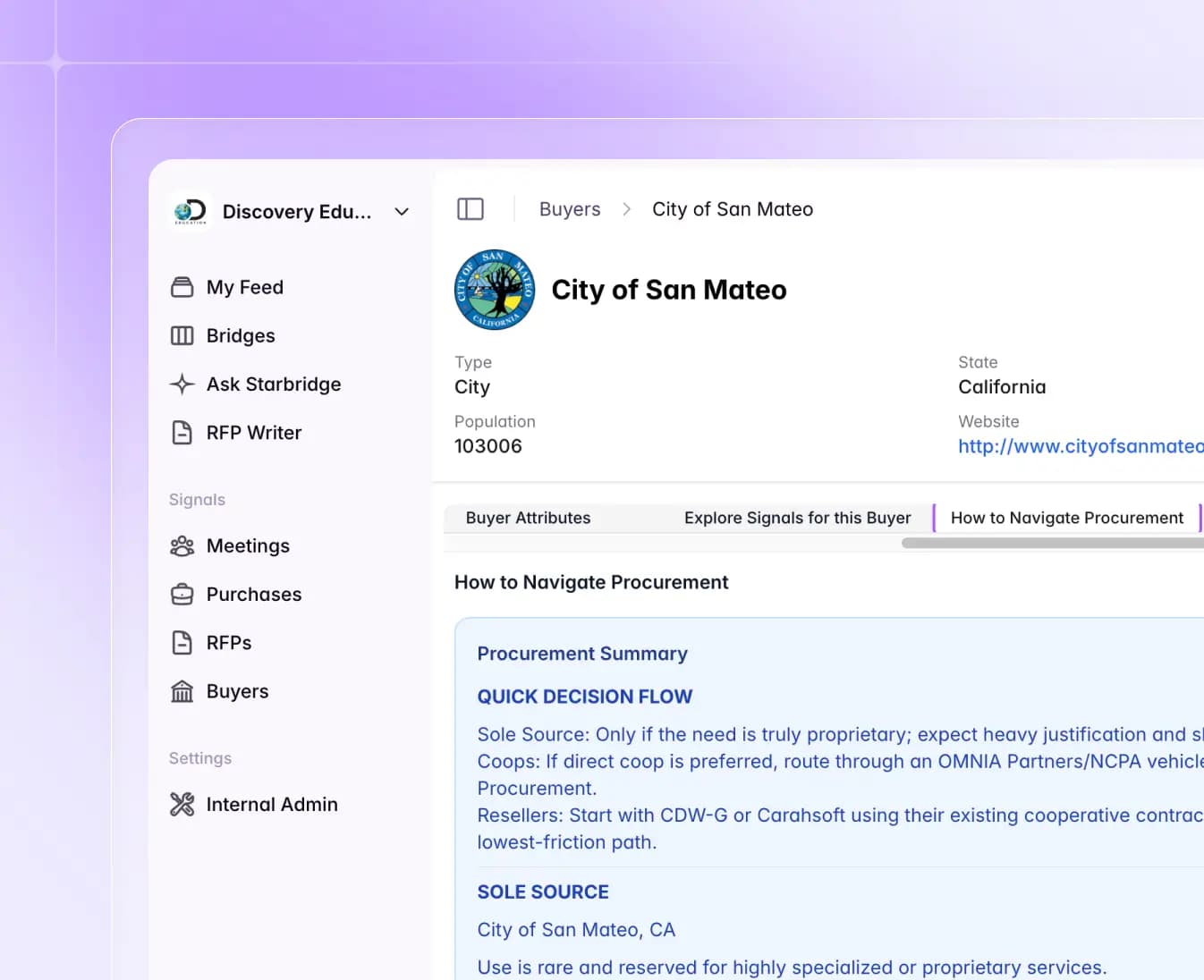
For comprehensive buyer data, the updated Buyers Profile tab provides a complete view of every agency or school with all Starbridge data in one place.
Starting today, you can:
- See contact information for all key contacts at an account-level
- Access critical account-level data points and in-depth procurement navigation guides
- Sync all data directly to your CRM.
No more hunting across tools for account details. Starbridge centralizes buyer intelligence into one simplified view.
Builder mode: control what your reps see
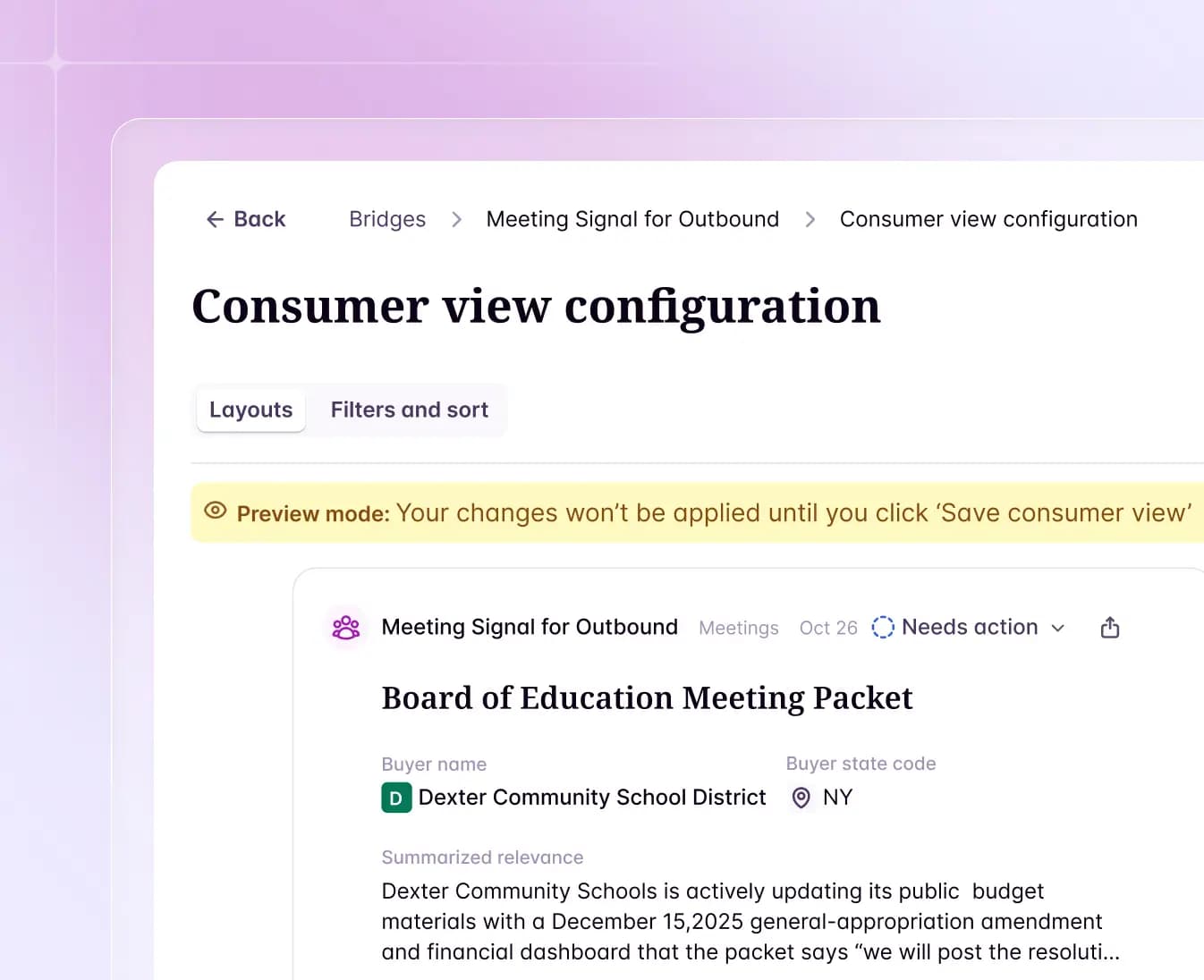
Starbridge now features two roles — Builders and Consumers — so you can configure powerful workflows while giving reps a streamlined experience.
Starting today, you can:
- Separate signal building from signal consumption
- Filter bridges so reps only see the strongest leads
- Customize card layouts to include the perfect mix of contact info, templates, and scripts
Builders focus on building workflows with endless creativity. Reps see a streamlined view designed for action.
Customer testimonials
What teams say after switching to Starbridge.