Contact & account enrichment
Research government & education accounts in minutes
Stop spending hours on pre-call research. Starbridge unifies buyer intelligence, contacts, and buying signals for any government or education account.
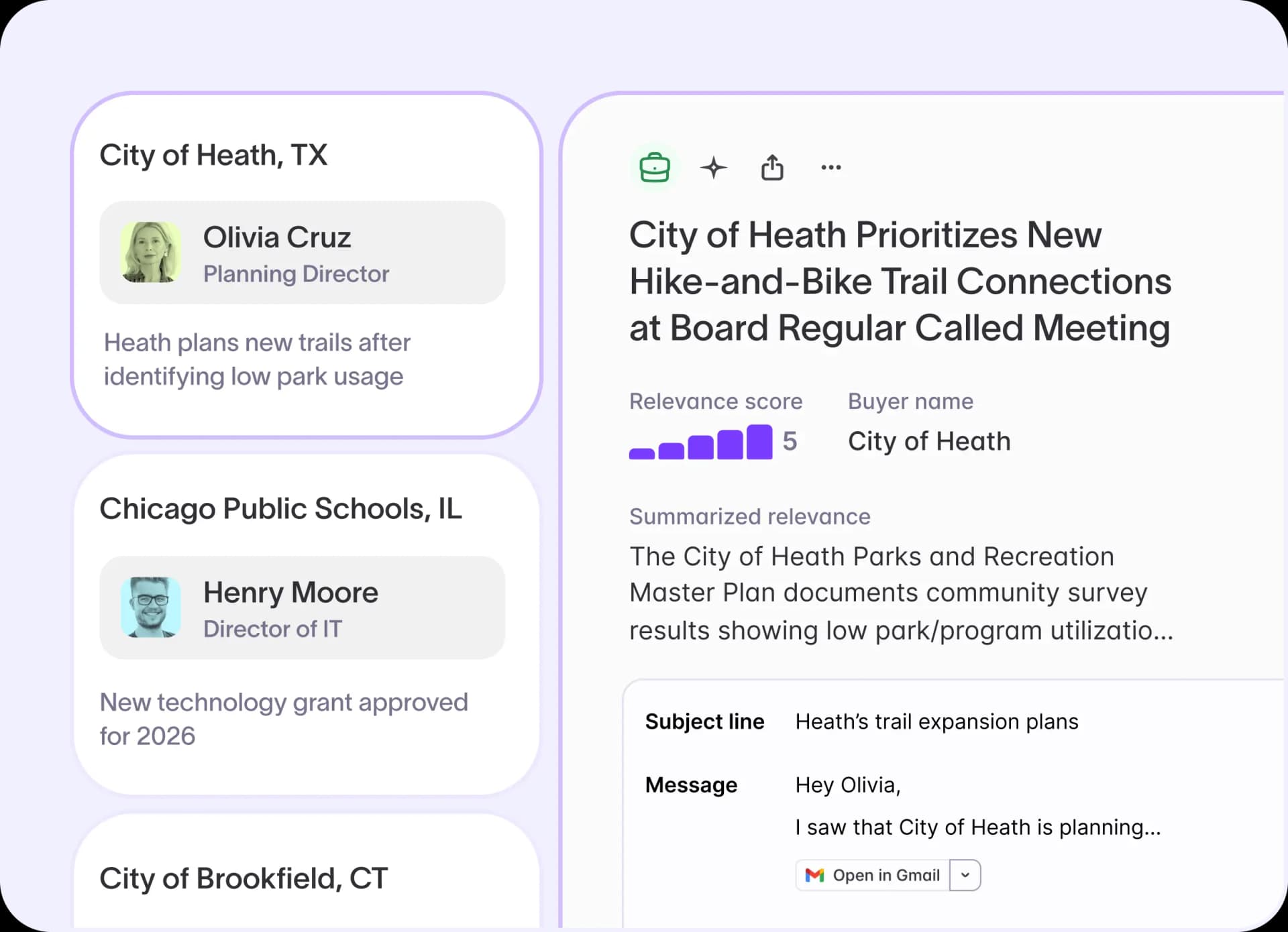
The buyer page: complete account context in one place
Every government and education sales rep knows the pre-call drill: search the district website, scan the CRM, review last year's contract, find a contact, and hope nothing has changed. That process happens before every single call. By the time a rep pieces it together across a dozen tabs, they're often still missing the most relevant context about the buyer's current priorities.
With Starbridge, you can:
- View an AI-generated account summary covering board meeting minutes, budget documents, procurement records, and public data, with every insight cited and linked to its original source
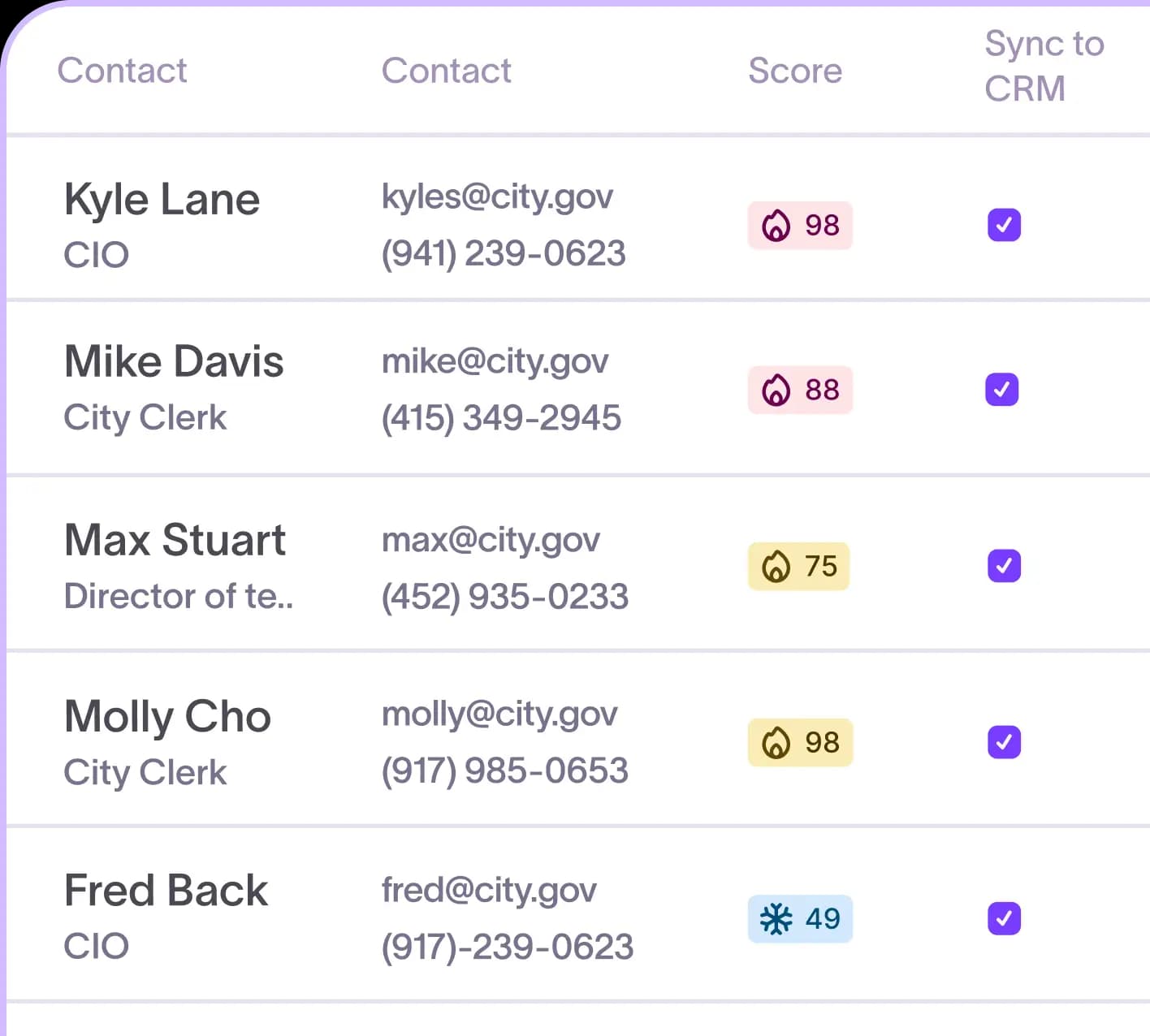
- Explore buying signals, verified contacts, organizational hierarchy, and procurement pathways without leaving the platform
- Trace every insight back to its original source so your reps walk into meetings with confidence, not just notes
Frontline Education cut account research time by 90%. Their reps now walk into meetings already knowing what the buyer cares about, instead of spending 20 to 30 minutes on manual research before each call.
Ask Starbridge: get specific account answers without digging through documents
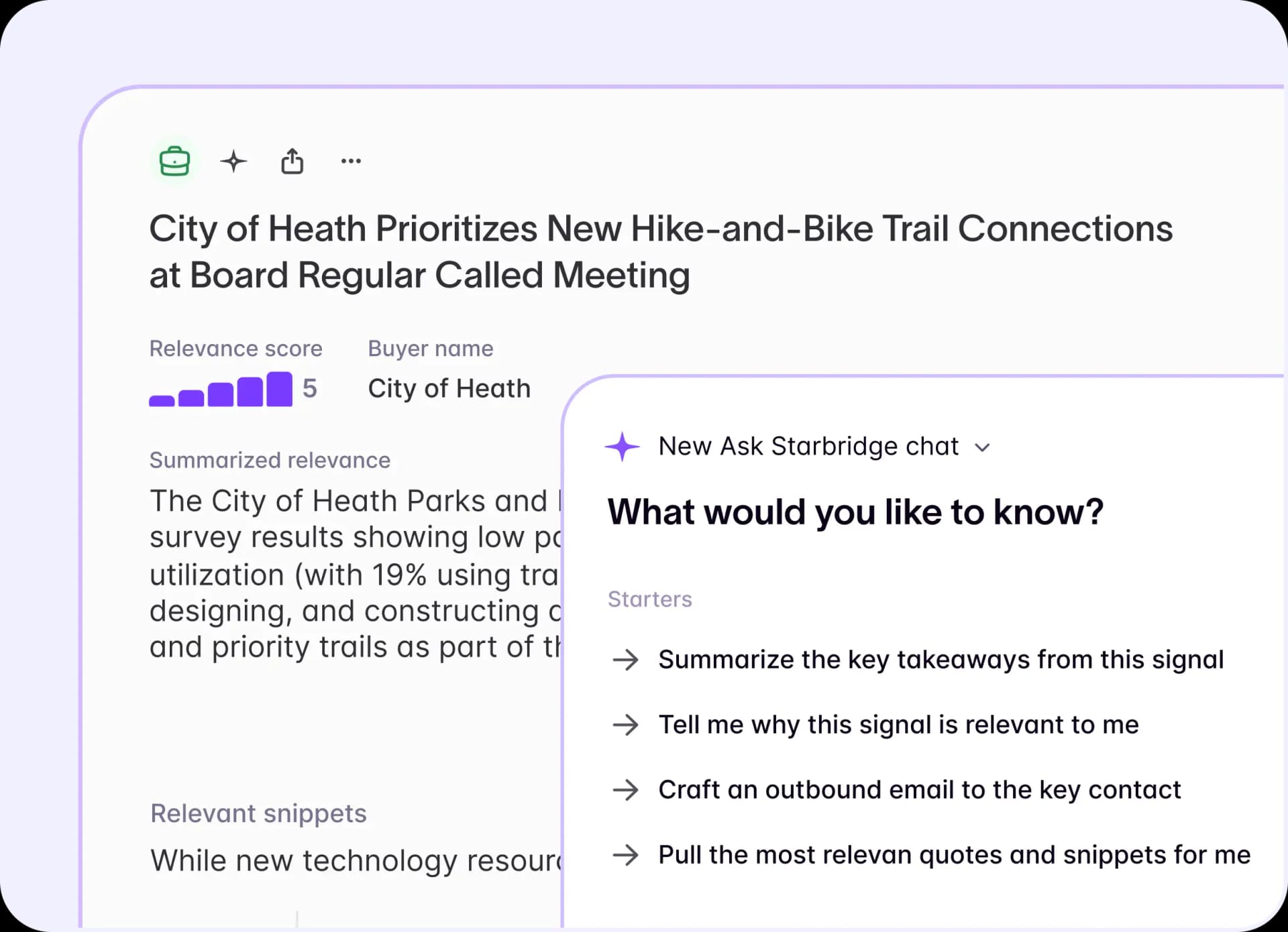
Even with a complete account view, reps have specific questions before a call: What are this agency's top priorities this year? What initiatives are they focused on? What's the right outreach angle? Getting those answers used to mean reading through lengthy board meeting minutes and strategic plans and hoping the relevant detail was in there somewhere.
With Starbridge, you can:
- Ask natural language questions about any account and get answers grounded in Starbridge's public sector data combined with live web sources
- Surface buyer priorities, initiative focus, and procurement context in seconds instead of searching through documents yourself
- Generate specific outreach angles and meeting talking points backed by real account intelligence
Zencity reps pull city priorities from council meetings in seconds, walk into every discovery call already knowing procurement pathways and past contracts, and source 50% of their cold meetings from Starbridge.
Chrome extension: account intelligence without leaving the page
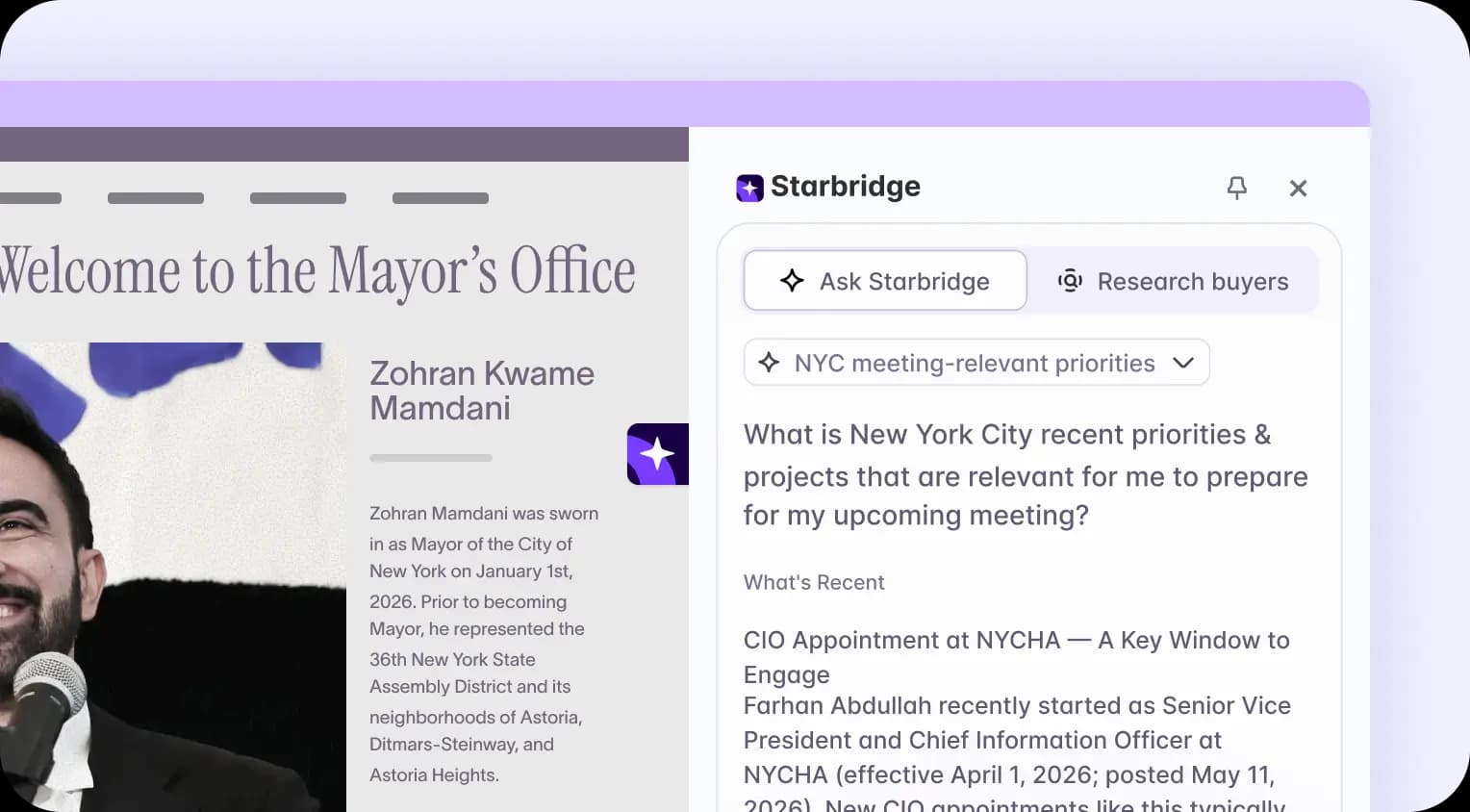
Your reps don't always start their research in Starbridge. They may land on a county website when following up a lead, browse a school district homepage before a call, or look up a contact on LinkedIn. Each of those moments used to mean pausing, switching tools, and manually pulling together context from a different tab.
With Starbridge, you can:
- Get automatic account recognition when visiting any state or local government website, school district page, university site, or LinkedIn profile
- Surface the account summary, verified contacts, buying signals, and recent activity directly on the page you're already viewing
- Stay in your existing research workflow without switching to another tool
The Chrome Extension brings full account intelligence into any browser session, so your reps have the context they need without interrupting how they already work.
MCP integration: bring Starbridge intelligence into the AI tools your team already uses
Your team is already using AI tools to draft emails, build account plans, and prep for executive meetings. The gap isn't the AI tool itself. The AI doesn't know what's actually happening at your target accounts. Generic prompts produce generic output because the model has no visibility into what a specific school district or city agency is actually focused on right now.
With Starbridge, you can:
- Connect Starbridge to Claude, ChatGPT, and other AI tools through the MCP integration so every output is grounded in real public sector account intelligence
- Combine Starbridge data with your CRM, meeting notes, and internal documents to generate personalized outreach, analyze territories, and build account plans from your AI assistant
- Prepare for executive meetings with AI-generated briefings that draw from board meeting minutes, budget data, procurement history, and verified contact records
When your AI tools have access to real buyer context, the output reflects what's actually happening at the account, not just what a language model knows about government purchasing in general.
Want your reps walking into every government and education meeting fully prepared? Book a demo to see Starbridge account research in action.
Frequently asked questions
Customer testimonials
What teams say after switching to Starbridge.