Buying signals & outbound
Create a conference follow-up campaign
Turn conference badge scans into pipeline. Import your contact list, surface buying signals across every account you met, and follow up with context.
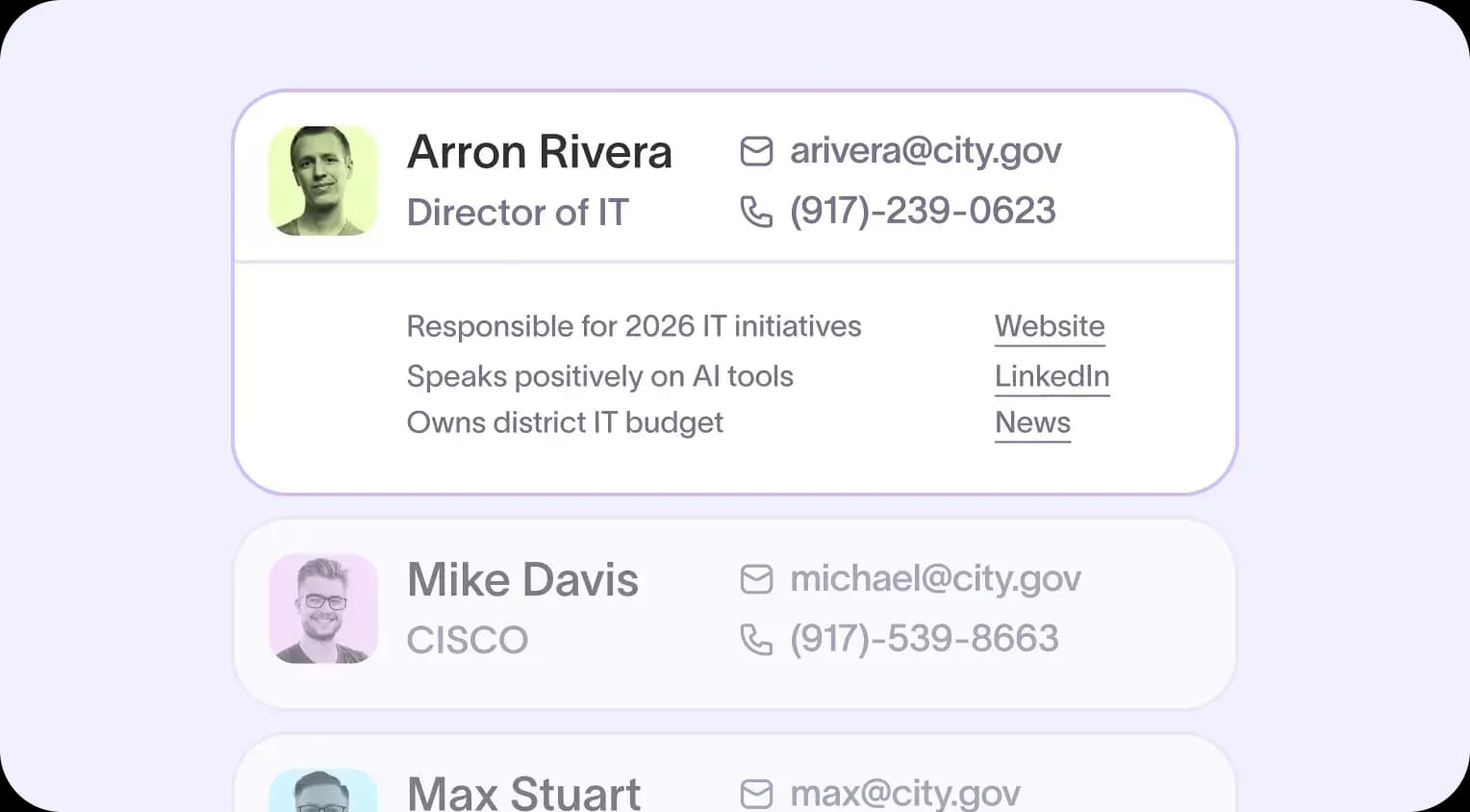
Import your conference contacts in minutes
The badge scanner provides you with a CSV. Converting that data into a usable outbound list usually requires hours of reformatting and manual uploading. Often, it is never completed, and a valuable list of conference contacts remains in a shared folder going cold.
With Starbridge, you can:
- Upload your badge-scanner CSV into Starbridge as a static buyer list
- Use the built-in import template to map your contact data in minutes
- Have your full conference list live and ready for outbound the same day you return from the event
Your contacts are in Starbridge and ready for signal scanning as soon as you arrive.
Build a signal-based follow-up workflow in bridges
A generic follow-up email treats every account you met in the same way. But in government and education sales, timing is everything. Some accounts on your conference list are actively evaluating. Others are years from budget. Without a way to distinguish active buyers from passive ones, conference follow-up is just spray and pray at a slightly warmer temperature.
With Starbridge, you can:
- Build a dedicated conference follow-up workflow in Bridges, filtered to the accounts you engaged with at the event
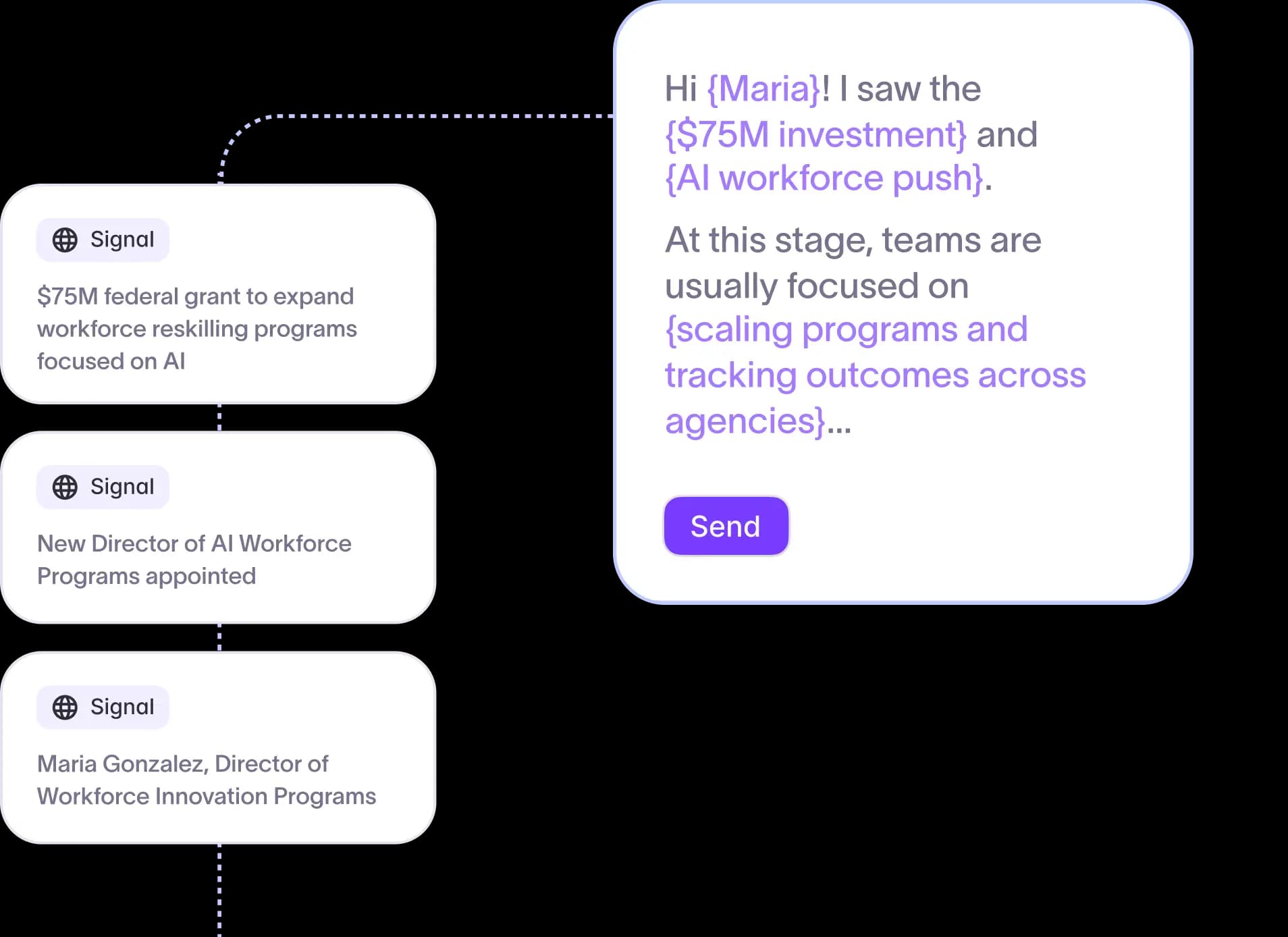
- Configure signal prompts tailored to your use case, covering website redesigns, grant awards, leadership changes, and RFP activity
- Run your entire conference list through the buying signal layer in a single pass
Starbridge's conference intelligence features ensure your team spends follow-up time on accounts that are actually ready to buy, not those still 18 months from making a decision.
Scan every account for active buying signals
The hardest part of conference follow-up isn't the outreach. It's knowing which of the 40 accounts you met are worth reaching out to now vs. 18 months from now. Without active buying signals, every follow-up becomes the same cold message sent to the same cold list.
With Starbridge, you can:
- Scan every account on your conference list for web-based buying signals, including grants, RFPs, news articles, and website postings
- Write custom signal prompts for your specific use case, such as mentions of digital government solutions, website redesigns, or CMS overhauls
- Surface precise procurement activity at each account, with the source document linked directly in the result
GovWell booked 5 meetings in their first week from Starbridge buying signals and now sources 15% of their total qualified pipeline from Starbridge.
Get the contact and source behind every signal
Finding a buying signal doesn't close a deal. Your rep still needs to know who to call and why the timing is right. Most intelligence tools stop at the signal and leave the legwork to you.
With Starbridge, you can:
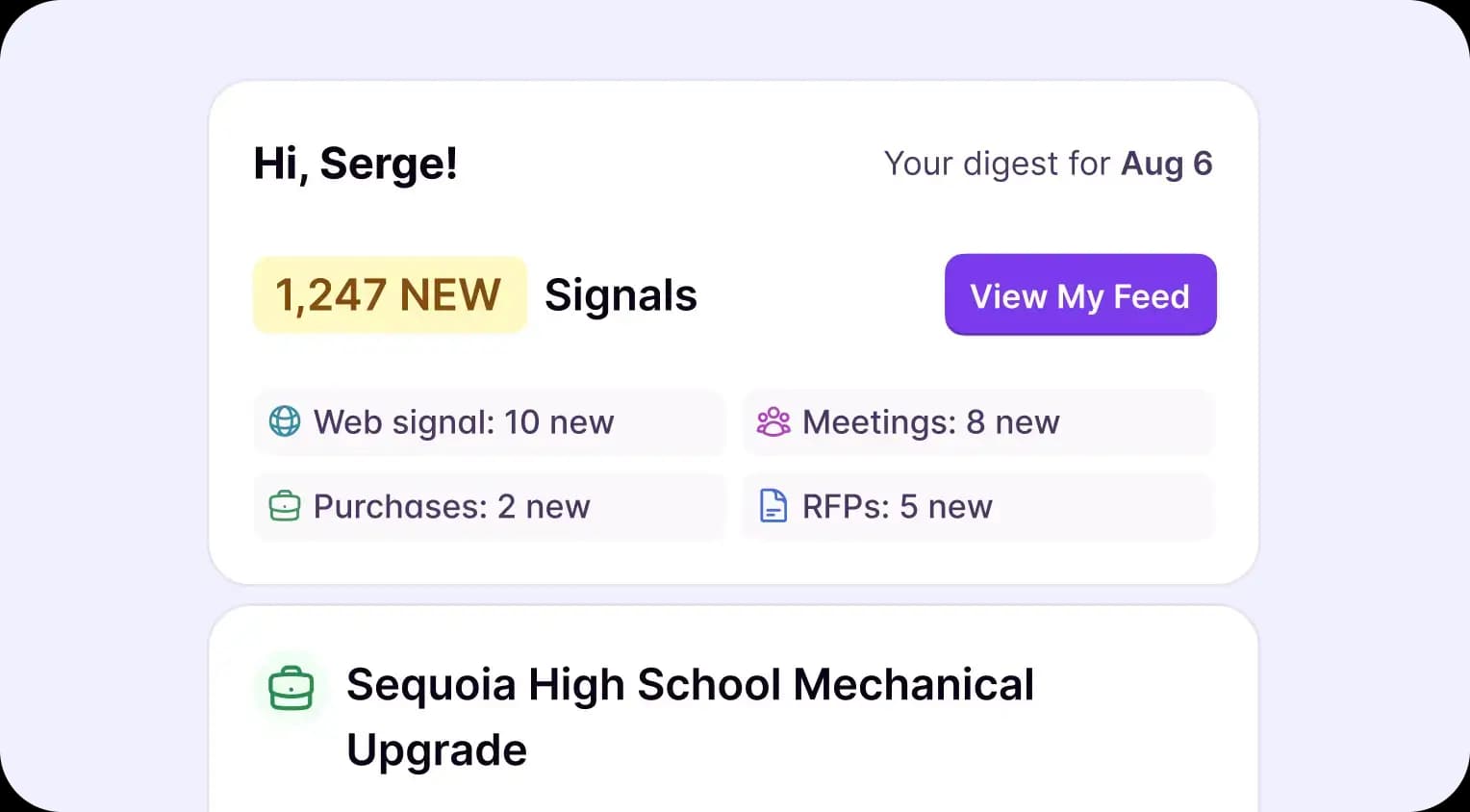
- Generate the key contact at the account for each buying signal found
- See the exact source of each signal, whether that's a grant award, RFP, news article, or website posting
- Reference the specific signal in your outreach so every email or call has a concrete reason to connect
Zencity sources 50% of its cold meetings from Starbridge, with reps pulling context from recent council meetings in seconds before every first call.
Export and sync to your CRM
Buying signals only turn into pipeline if your reps can act on them without friction. Manually copying contacts and findings from one tool into your CRM breaks the workflow before it starts.
With Starbridge, you can:
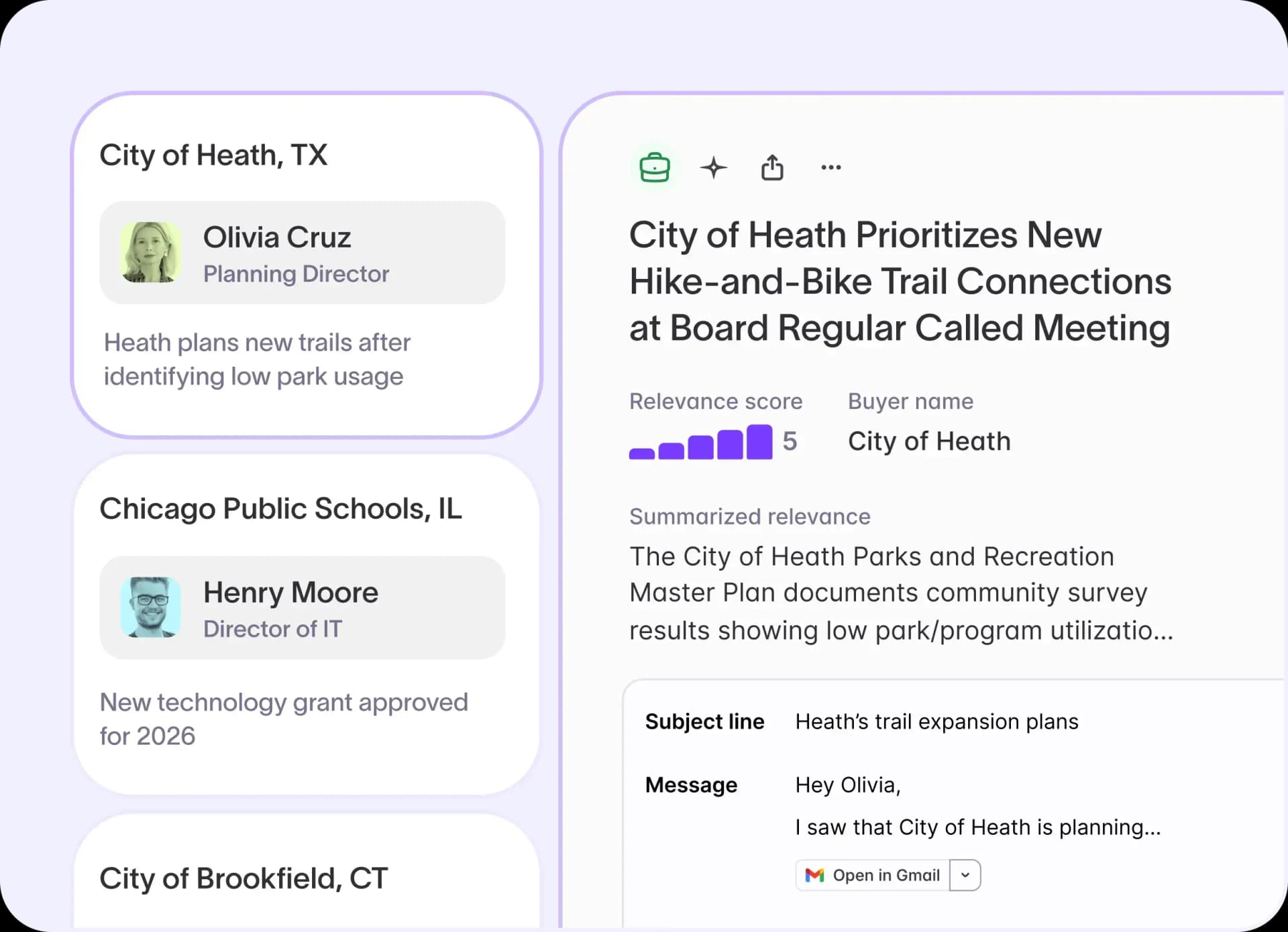
- Export contacts and buying signals directly from your conference follow-up workflow
- Sync results to Salesforce or HubSpot so reps can act without leaving their CRM
- Pull updated signal data into your CRM as Starbridge surfaces new activity across your conference accounts
Your conference follow-up motion lives entirely in the tools your team already uses.
Ready to put buying intelligence behind your next conference follow-up? Book a demo to see conference campaign creation in action.
Frequently asked questions
Customer testimonials
What teams say after switching to Starbridge.