Buying signals & outbound
Turn buying signals into personalized outbound email
Stop rewriting outreach for every signal. Starbridge's personalized outbound email column turns buying activity into ready-to-send emails at scale.
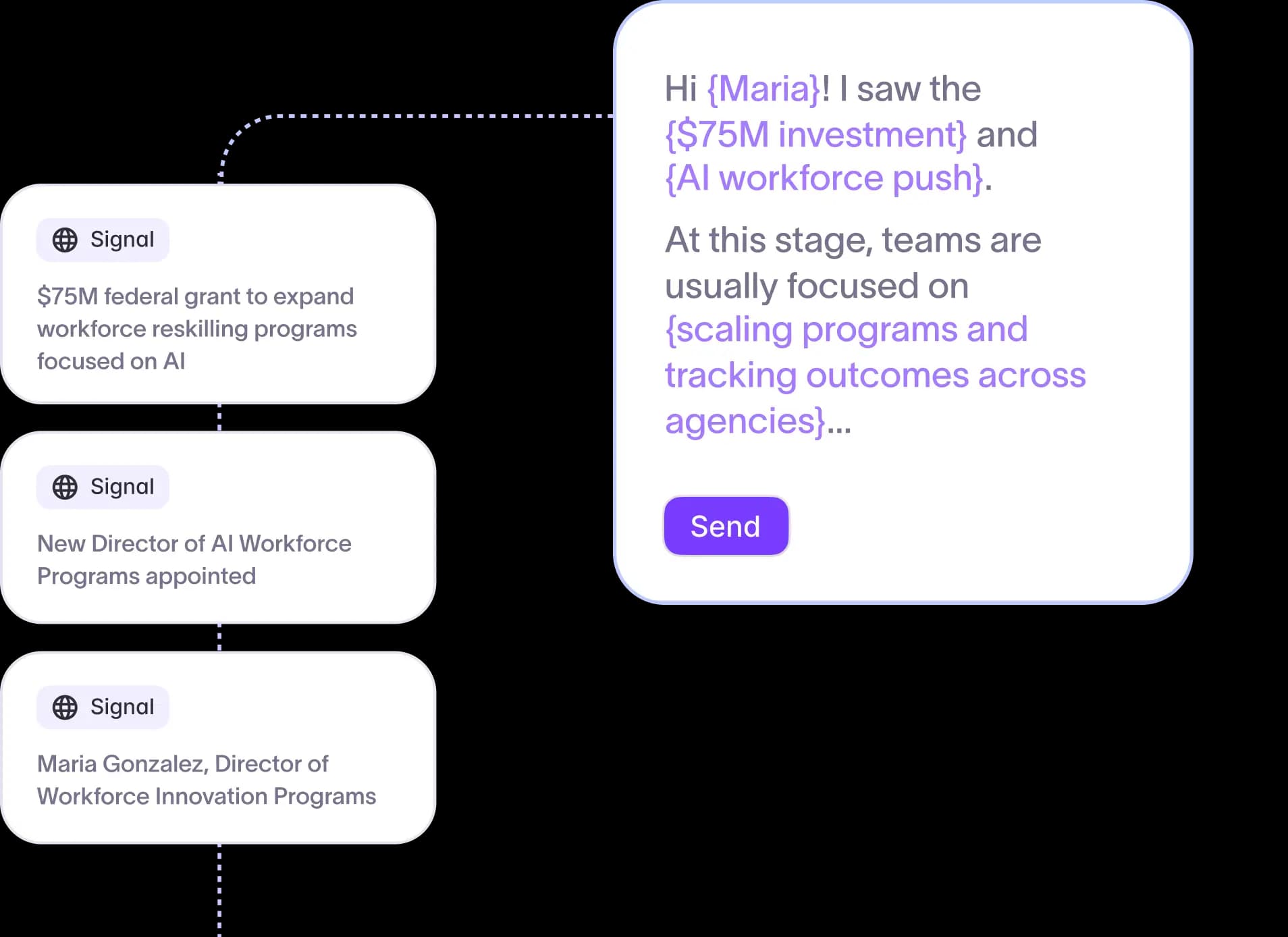
One template, every signal covered
Government and education sales teams often have hundreds of accounts showing buying activity at the same time. Writing individual outreach for each account isn't scalable, and a generic blast doesn't reflect the specific buying signal that made an account worth contacting in the first place.
With Starbridge, you can:
- Configure your subject line and email body once, with static copy that stays consistent across every email
- Insert dynamic variables like first name, job title, due date, or any attribute in your Bridge to personalize at scale
- Generate ready-to-send emails for every row in your Bridge in a single run
ClearGov generated $300,000 in pipeline from a single email campaign built on Starbridge intelligence. That result comes from outreach that reflects what accounts are actually doing right now, not a template that could have gone to anyone.
AI snippets that personalize without losing your voice
Generic AI writing tools generate emails. They don't know your positioning, your talk tracks, or the specific signal that made this account worth emailing today. Teams either spend time editing AI output back into shape or send emails that drift from the messaging they spent months building.
With Starbridge, you can:
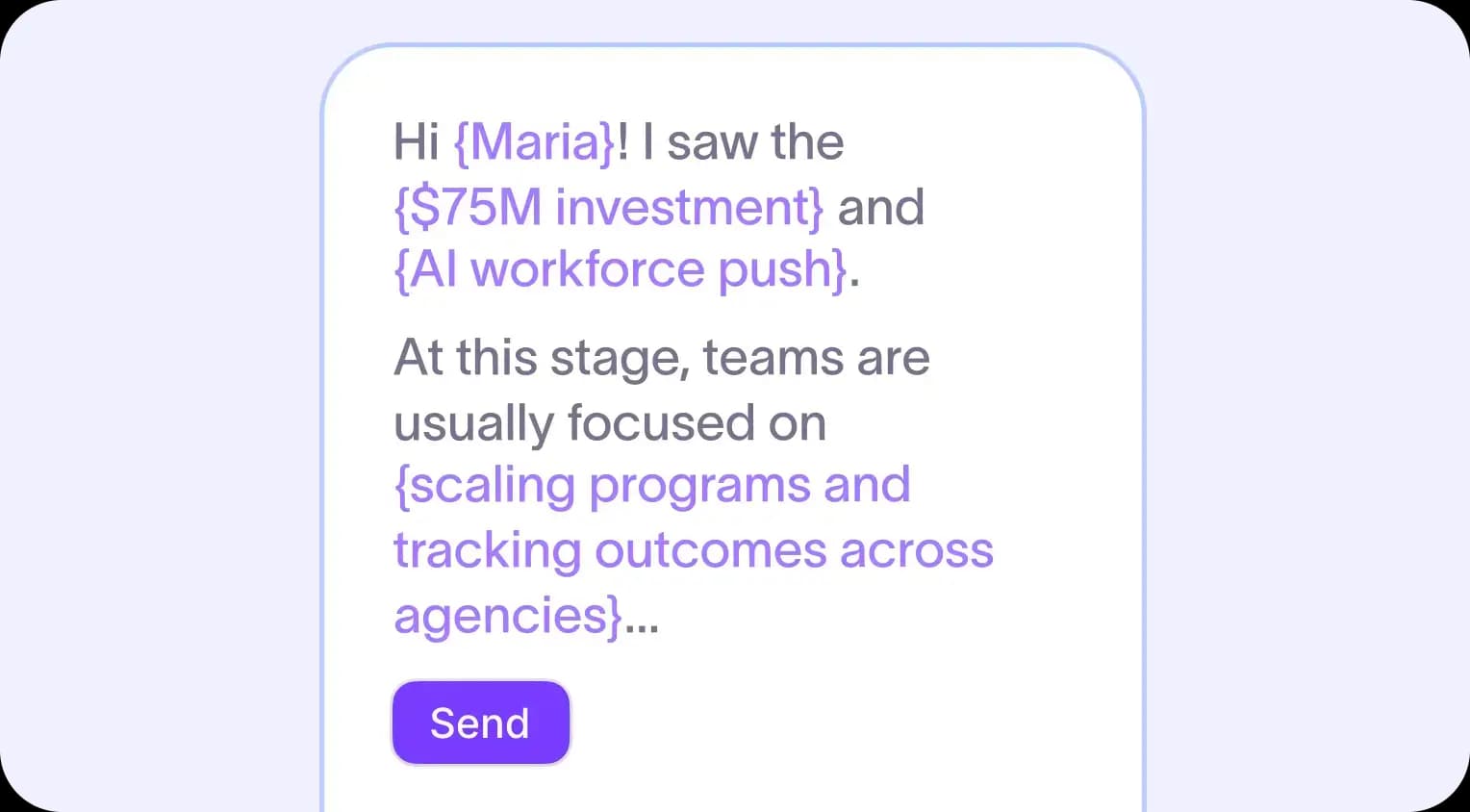
- Add an AI snippet anywhere in your template using a slash command, then write a prompt and name the snippet
- Ground each snippet in the signal context for that specific row, whether it's a job change, a board meeting discussion, or an upcoming contract expiration
- Keep your static copy and variables intact so your messaging structure stays consistent across every email you generate
Your team controls the structure and the messaging. AI fills in the parts that need to be specific to each account and buying signal.
Preview before you push
Running AI-generated content across hundreds of rows without a review step is how off-brand emails get to inboxes. A quick preview pass catches problems in your prompts or variable mappings before they ship.
With Starbridge, you can:
- Run your template on the first five rows of your Bridge to review the consolidated email, subject line, and individual snippets
- Adjust prompts or template copy before running across the full Bridge
- Output individual snippets as their own columns for granular QA or to map snippet output into downstream tools
A few minutes of review saves hours of cleanup.
Export directly to your CRM or sequencer
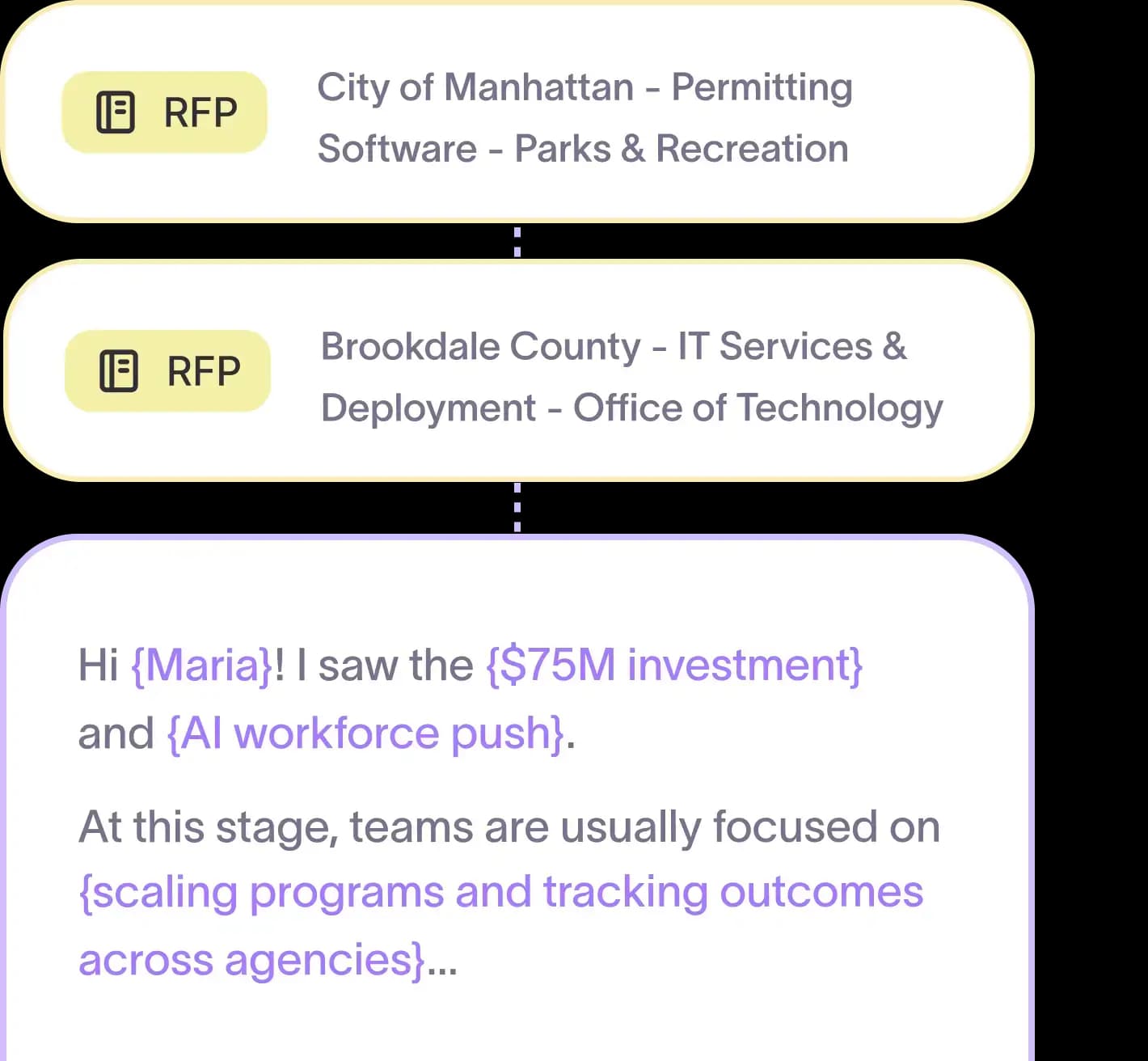
For teams selling to state and local government agencies, K-12 school districts, and higher ed institutions, buying signals don't pay off if they stop at a spreadsheet. The last mile is getting outreach into the tool that sends it.
With Starbridge, you can:
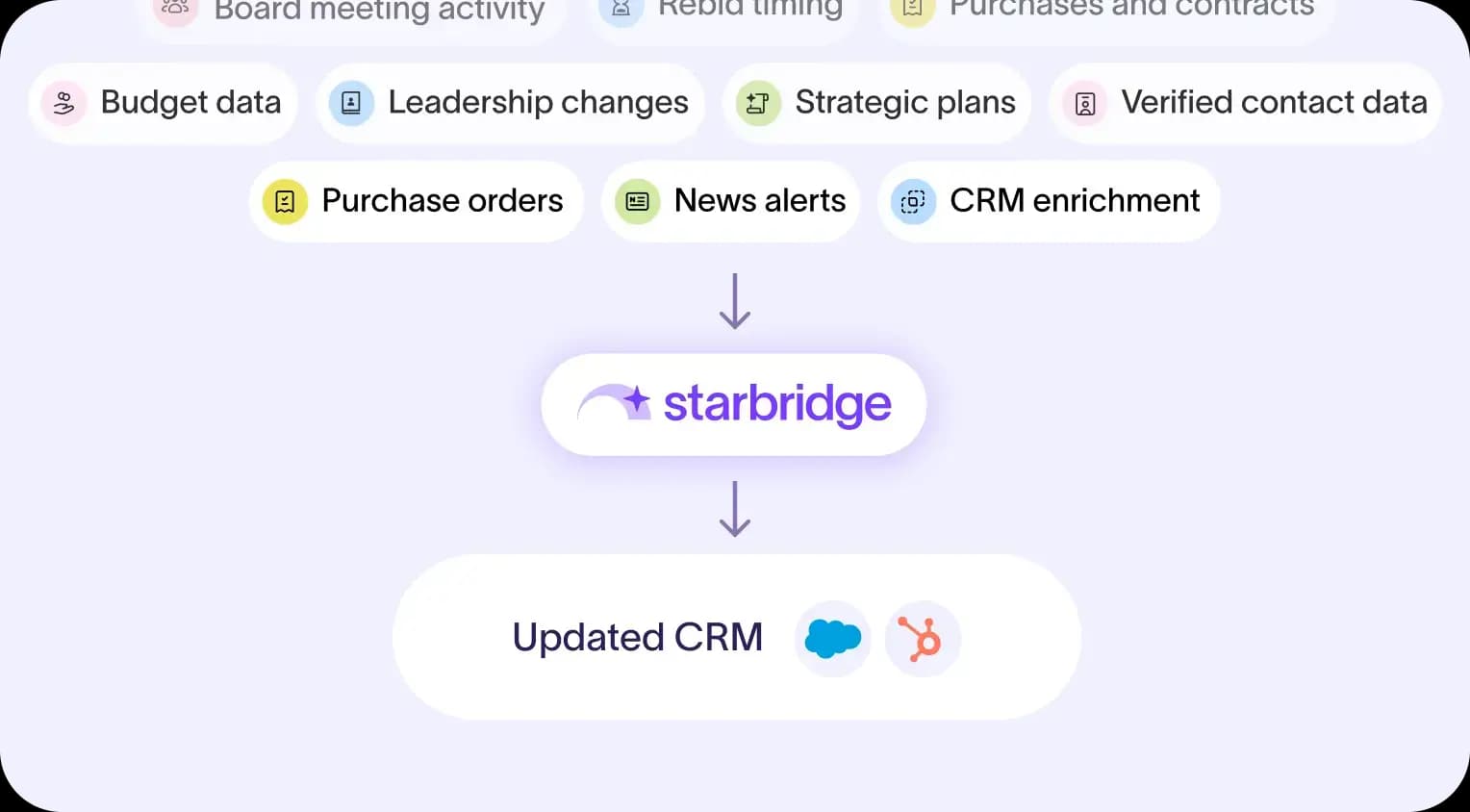
- Copy emails per row for manual rep review, or export subject line and body directly into your CRM or outbound sequencer
- Route high-priority leads to reps for review and light editing before sending
- Sync lower-priority accounts directly to your sequencer for automated sending at scale
Starbridge isn't just where your team finds buying signals. It's where your team produces outbound that's ready to send.
Ready to give your team a shorter path from signal to action? Book a demo to see personalized outbound email in action.
Frequently asked questions
Customer testimonials
What teams say after switching to Starbridge.