Buying signals & outbound
Opportunity email digests for sales reps
Opportunity email digests from Starbridge tell your reps how many new leads came in, what needs action, and where to click next. Daily or weekly.
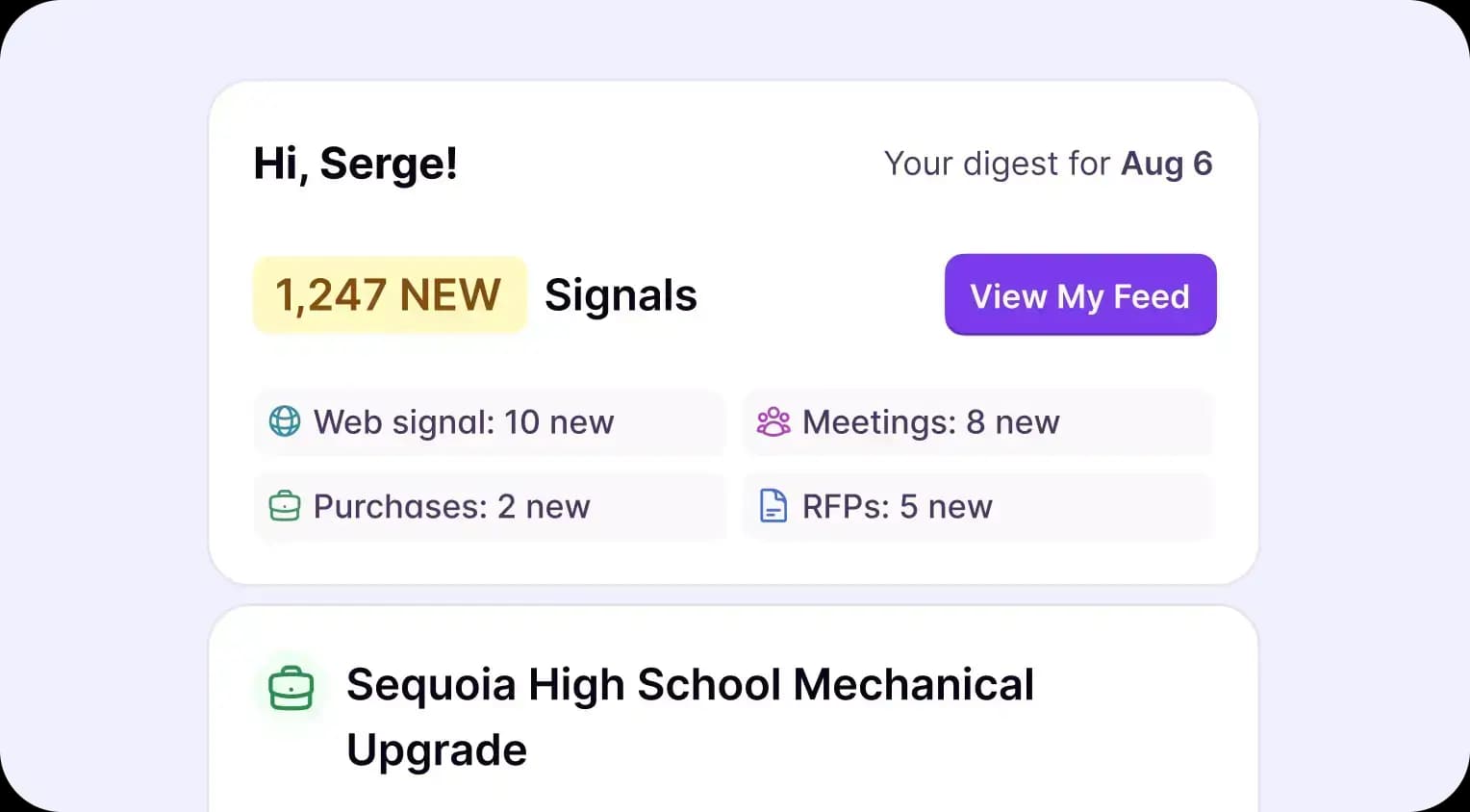
A clear action summary before you open the platform
Reps selling into state and local governments and school districts start every day making the same decision. Which accounts get attention today? Without a clear priority list, that decision defaults to whoever called last or whatever email is at the top of the inbox. The digest changes the input.
With Starbridge, you can:
- See how many net new buying signals came in since your last digest
- Review how many buying signals you've already saved to your feed
- Check which buying indicators are still awaiting action, including any from prior digests you haven't reviewed
Your reps walk into the day with a priority list already built, before they open the platform.
Configure your email digest by signal type
Most buying signal tools surface everything they find. That's a lot of noise for a rep who only cares about meeting mentions and bid activity. Starbridge lets you configure the email digest at the bridge level, so only the buying signal categories relevant to your workflow appear.
With Starbridge, you can:
- Choose which bridge types appear, including board meeting minutes, bids, RFPs, and contract expirations
- Hide buying signal categories that aren't relevant to your territory or sales motion
- Control which fields display per bridge, so each signal card shows the information you actually use
Reps who see relevant buying signals act on them. Reps who see everything tune it out. Your digest should reflect how you actually sell.
Each signal type gets its own section
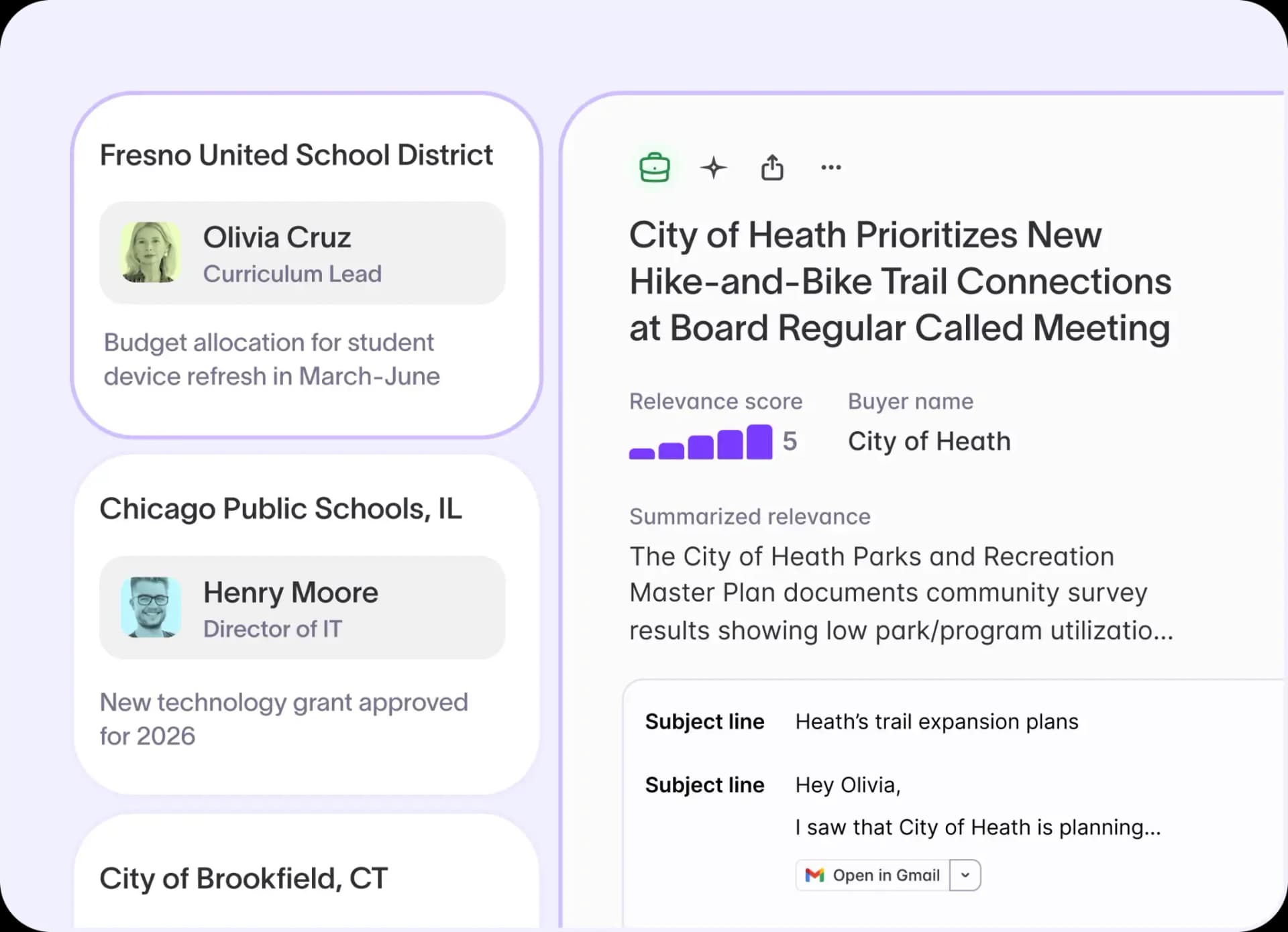
A digest that mixes all your buying signals into one list doesn't reduce work. It just moves the sorting from the platform to your inbox. Starbridge organizes each email digest by bridge type. Each signal category gets its own section, so a day with four bridge types active means four clear groups, not a wall of alerts.
With Starbridge, you can:
- See how many buying signals came in per bridge type at the top of each section
- Review individual signal cards with key details for each opportunity
- Click a button in the digest to open Starbridge pre-filtered to that exact set of signals
Your reps skip the sorting step entirely. One click puts them in the platform looking at exactly the right opportunities.
Daily or weekly email digest delivery
Not every rep works the same way. A rep covering a dense territory with hundreds of active accounts needs a daily digest to stay current. A rep on a long sales cycle with a smaller book might do better with a weekly summary that batches the prior 7 days of activity. The right cadence is the one your reps will actually read.
With Starbridge, you can:
- Set your digest to arrive daily at 8AM EST for an up-to-date view every morning
- Switch to a weekly digest every Monday at 8AM EST to review a full week of buying signals in one session
- Adjust your Territory filters to control which accounts feed the digest at either cadence
Kaizen Labs saw a 10–20% lift in monthly quota attainment after putting Starbridge buying signals directly in their reps' daily workflow. Getting the right buying indicators to the right reps at the right frequency is the difference between a tool they check and a tool they ignore.
Ready to put buying indicators in front of your reps every morning? Book a demo to see opportunity email digests in action.
Frequently asked questions
Customer testimonials
What teams say after switching to Starbridge.