Buying signals & outbound
Starbridge Chrome extension for public sector sales
Stop switching tabs. The Starbridge Chrome extension surfaces contacts, buying signals, and account intelligence while you browse.
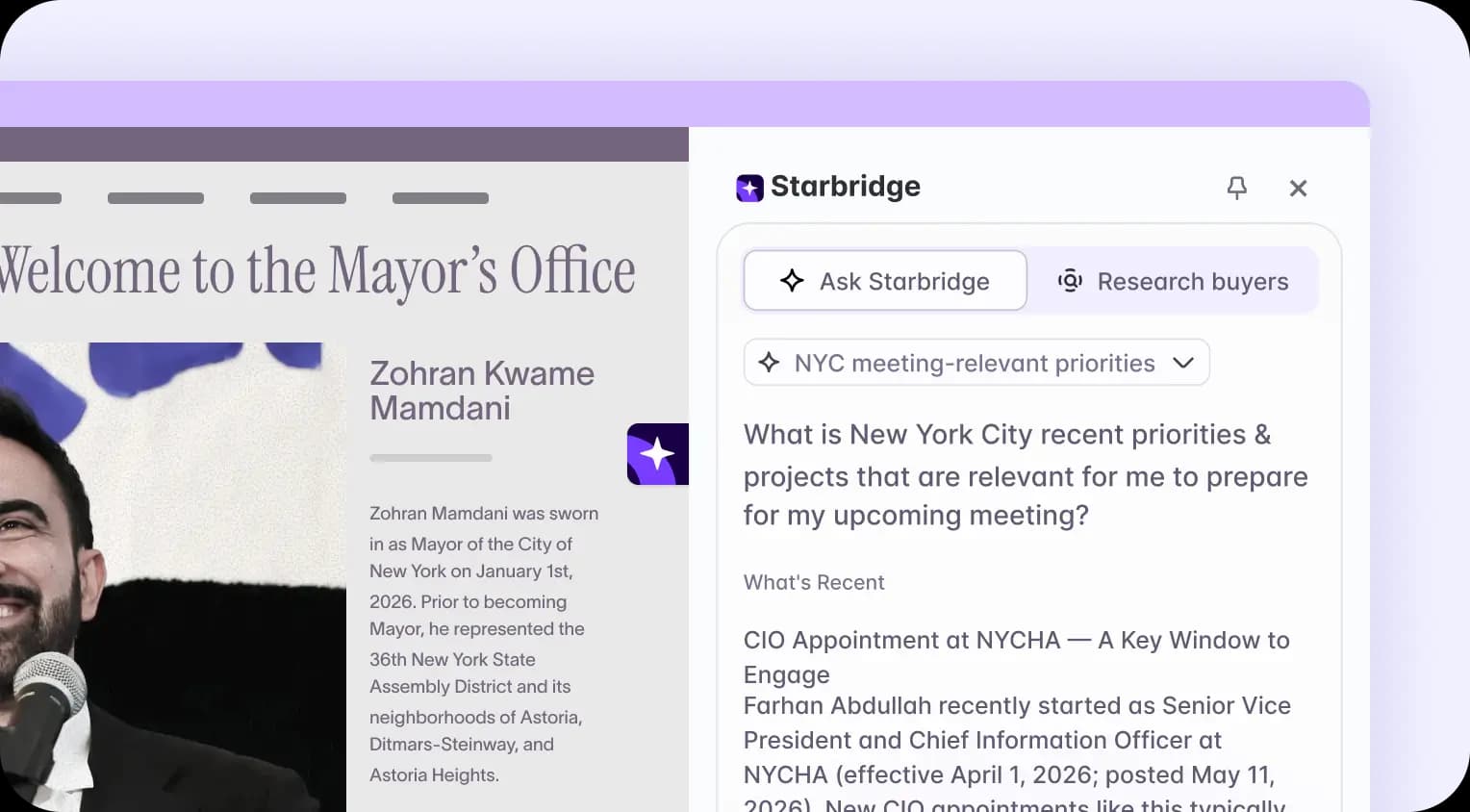
Automatic account detection
Government and education account websites don't tell your reps what they actually need to know before a call. What matters is the buying activity underneath, and that's what Starbridge surfaces the moment you land on the page.
With Starbridge, you can:
- View a complete buyer profile for any state or local government agency, K–12 district, or university instantly when you visit their site
- Access contacts and key account details without conducting a separate search or opening another tool
- Review account context at any point in your workflow: prospecting, pre-call prep, or territory review
Reps get immediate context from the first second they land on an account, without losing their place.
Buyer intelligence that goes beyond the website
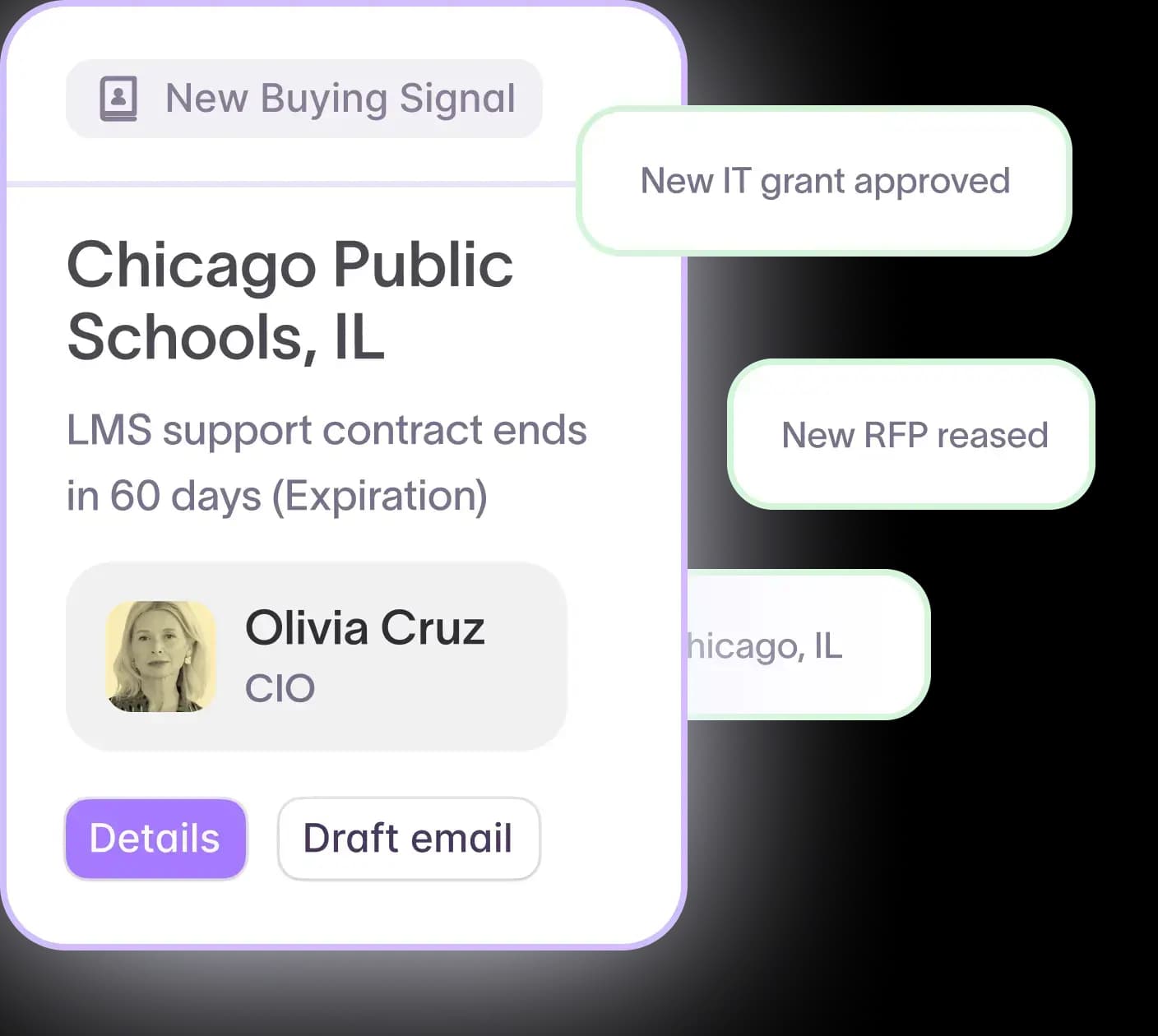
An agency or institution's homepage tells you almost nothing about whether they're ready to buy. The real buying activity lives in board meeting minutes, contract renewals, procurement records, and budget documents your team rarely has time to track.
With Starbridge, you can:
- Access verified contacts and decision-makers specific to government and education roles
- View buying signals, contract insights, and procurement data for the account
- Examine the technology footprint to see which vendors the account is already paying
Starbridge monitors 320,000+ state and local government agencies, K–12 school districts, and universities for buying indicators such as contract expirations, new budget mentions, board discussions, grants, and more, so the context in your extension reflects what's actually happening at the account today.
Ask Starbridge, without leaving your browser
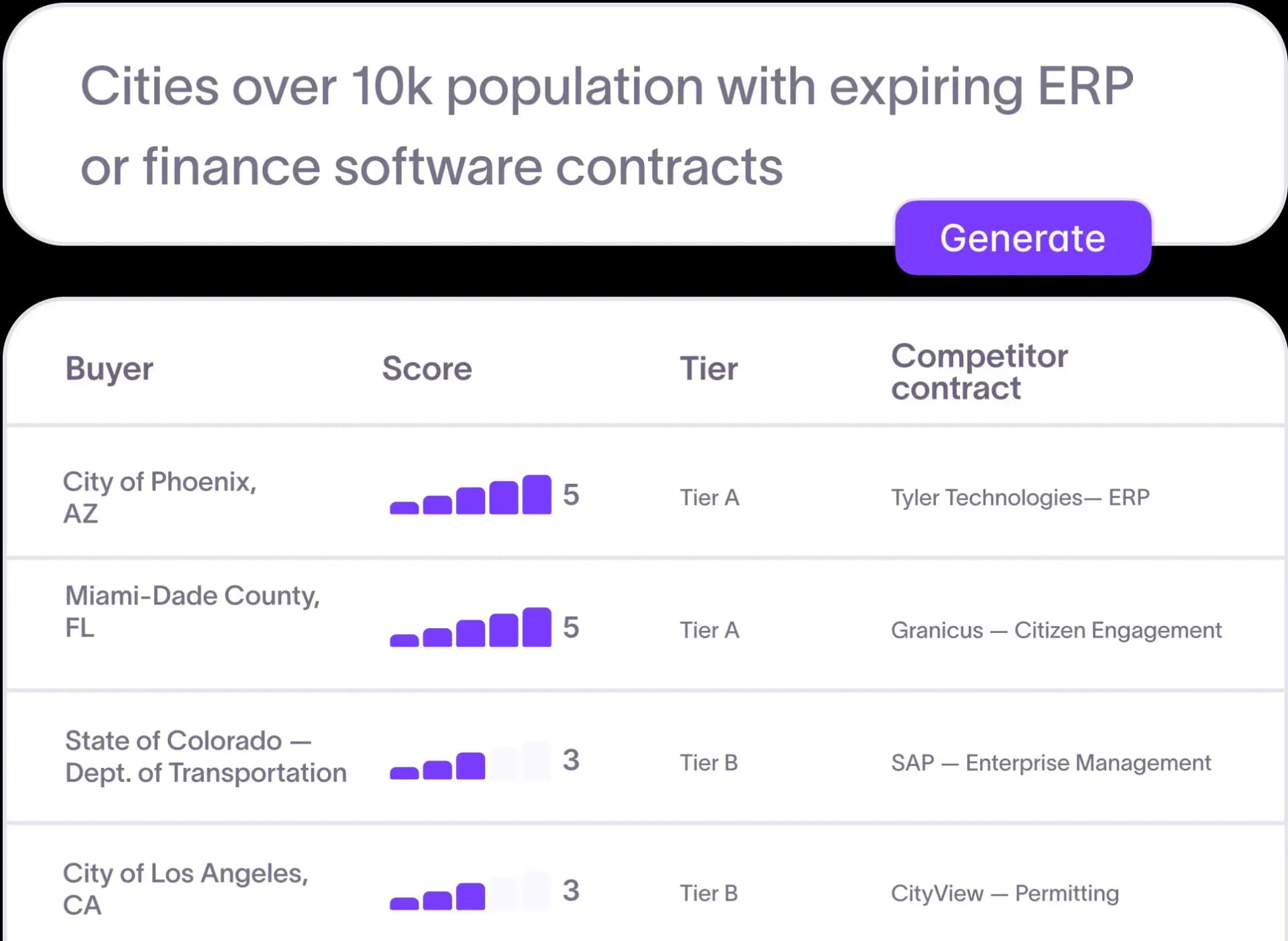
Knowing about an account is different from knowing how to act on that knowledge. Ask Starbridge is built directly into the extension, so your reps can research, prepare, and draft outreach without opening a separate application.
With Starbridge, you can:
- Research an account and understand why it fits your territory right now
- Generate meeting prep and talking points based on the account's actual priorities and buying activity
- Draft outbound emails tailored to specific contract history, board discussions, or technology gaps
Frontline Education cut account research time by 90% after deploying Ask Starbridge. Reps walk into every meeting already knowing what the buyer cares about, without the 20–30 minutes of manual research that came before.
Prospect across 320,000+ public sector accounts
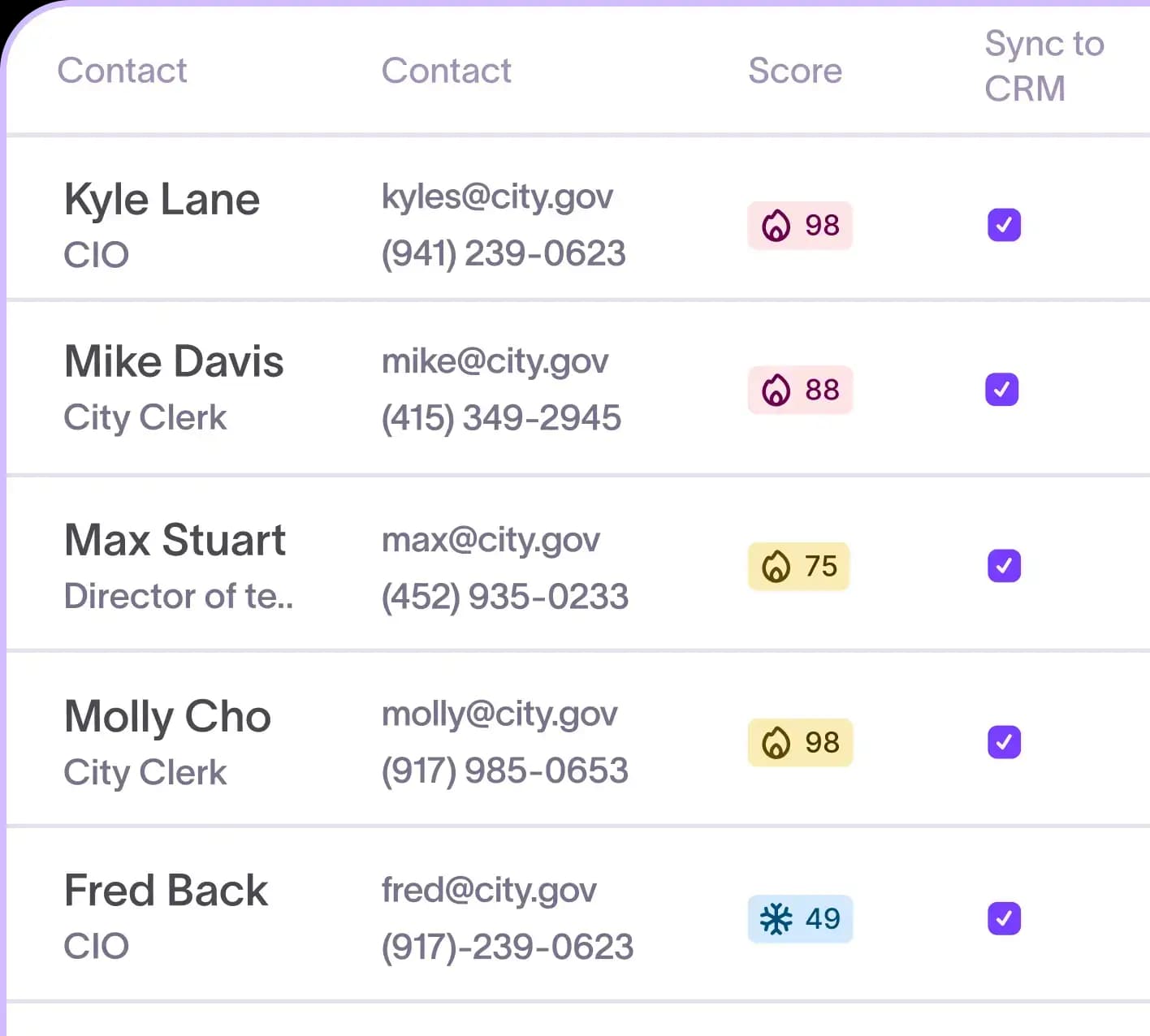
Not every research session begins with a website visit. The Starbridge Chrome extension includes full database search, so your reps can find and qualify accounts from anywhere they work in Chrome.
With Starbridge, you can:
- Search 320,000+ agencies, school districts, universities, and state organizations directly from the extension
- Pull full buyer profiles before your first outreach, not just before calls
- Qualify and prepare for accounts while prospecting, instead of after the meeting is already booked
The result: faster account research, better preparation, and more time spent actually selling.
Ready to cut research time and book more meetings? Book a demo to see the Starbridge Chrome extension in action.
Frequently asked questions
Customer testimonials
What teams say after switching to Starbridge.