Buying signals & outbound
Personalize outreach based on customer logos
Personalize outreach based on customer logos at scale. Starbridge surfaces the best-fit customer logos for every prospect in your territory, automatically.
Out-of-box logo matching
Reps selling to state and local governments and K-12 districts know that a well-placed customer reference makes outreach land differently. The challenge is doing that consistently across hundreds of accounts. Manually matching logos to prospects isn't sustainable when you're working a large territory.
With Starbridge, you can:
- Define your customer list inside the "similar customers to cite in outreach" attribute
- Run the enrichment and surface the top matched logos for any account in your territory
- Pull the recommended logos into emails, sequences, and call scripts without manual research
Your reps stop guessing which customer to mention and start sending outreach that reads as genuinely informed.
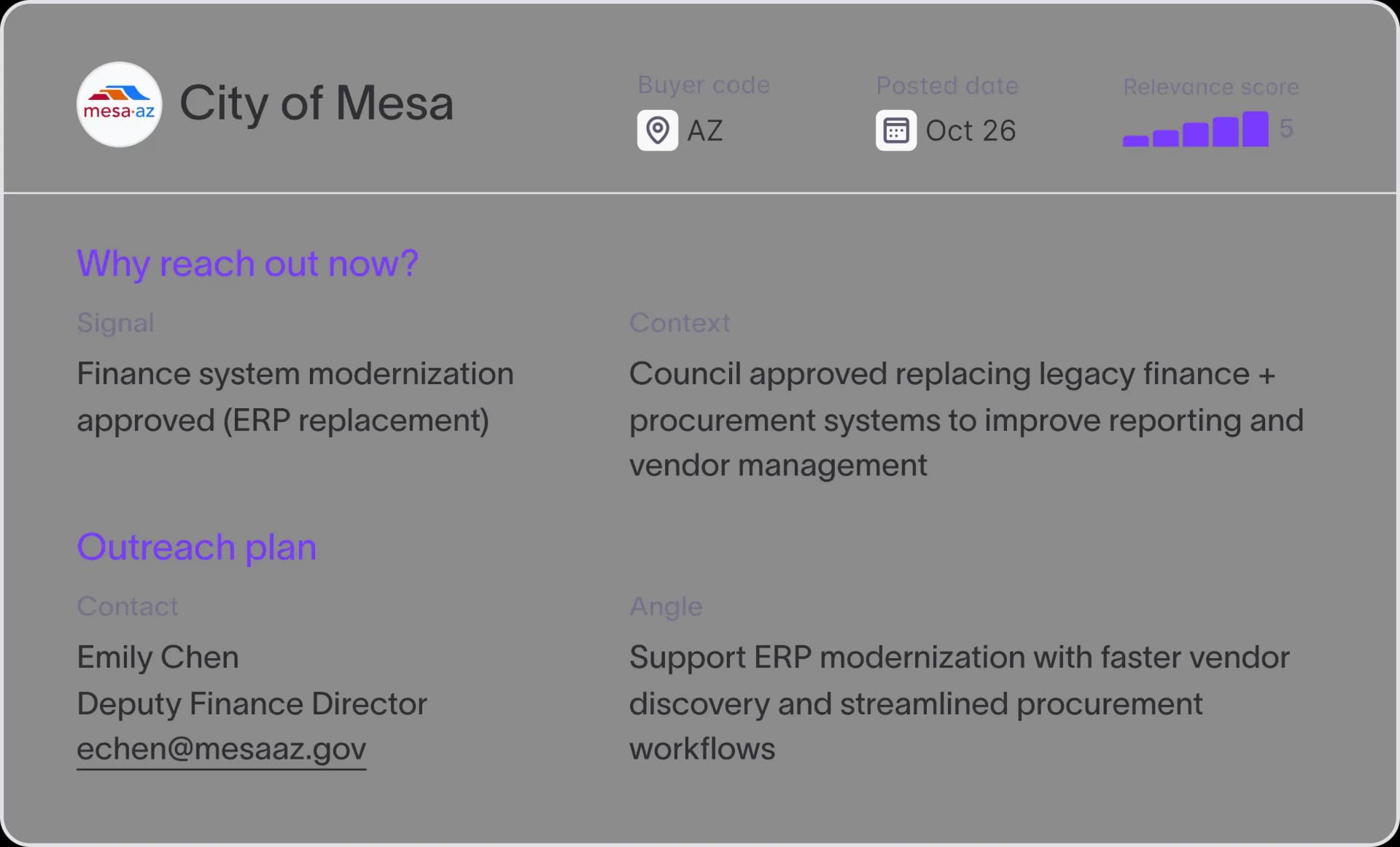
Criteria-based matching logic
Not every customer logo carries the same weight with every prospect. A city evaluating your product doesn't need to hear about a school district in another state. It needs to hear about a comparable city nearby. Starbridge's matching logic understands that distinction.
With Starbridge, you can:
- Configure matching criteria by geography, org type, and account size
- Use the out-of-box defaults, which already weight regional and org-type similarity
- Trust the match to return the logo with the highest credibility for each specific account
When a prospect sees their neighbor mentioned in your outreach, the relevance is immediate. That's the difference between a customer reference and a talking point.
Logo personalization at the signal level
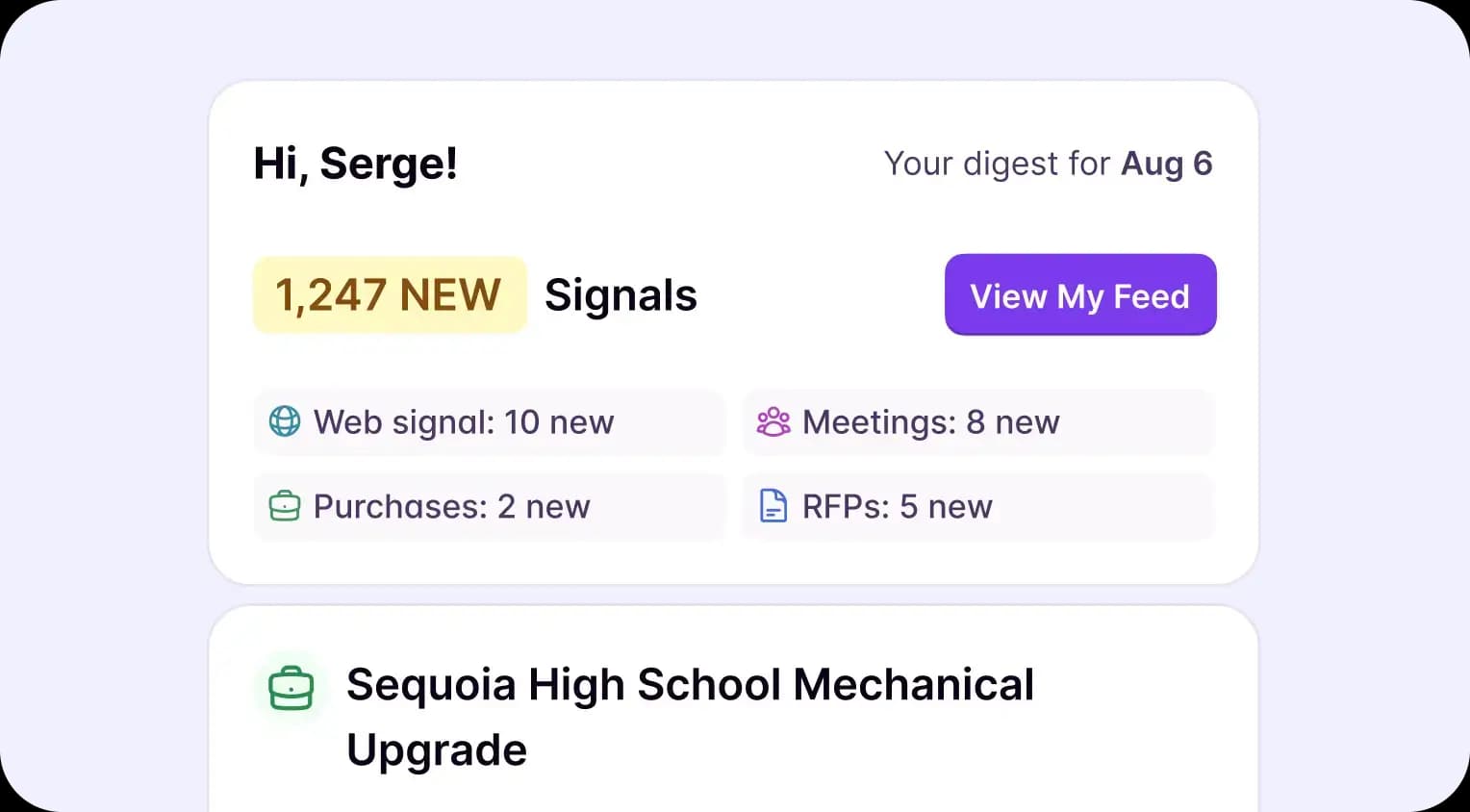
The right moment to personalize outreach is when a buying signal surfaces, not after the fact. Starbridge connects logo recommendations directly to the buying signals your reps are already acting on.
With Starbridge, you can:
- See recommended logos alongside Meetings, Mentions, and Bridge signal views
- Build personalization into signal-driven outreach at the moment a rep is ready to act
- Tie logo recommendations to account scoring so high-priority accounts always have a matched customer
Pairing a timely buying signal with a credible customer reference turns cold outreach into a warm one.
CRM token for cross-channel sequences
If the logo recommendation only lives in Starbridge, reps still have to copy it into every sequence manually. Starbridge solves that by pushing logo matches into your CRM as a dynamic token.
With Starbridge, you can:
- Create a "similar customers to cite in outreach" token tied to every buyer in your CRM
- Map the token into Salesforce or HubSpot and wire it into all your sequences
- Ensure every outreach touch across email, phone, and LinkedIn automatically references the right logo
Once the token is live in your CRM, every rep sends logo-personalized outreach on every channel, with no manual lookups required.
Ready to give every rep the right logo for every prospect? Book a demo to see outreach personalization based on customer logos in action.
Frequently asked questions
Customer testimonials
What teams say after switching to Starbridge.